Welcome to Finetic 👋
Start with Finetic: understand the product, core concepts, current availability and the safest route through setup, libraries and playback.
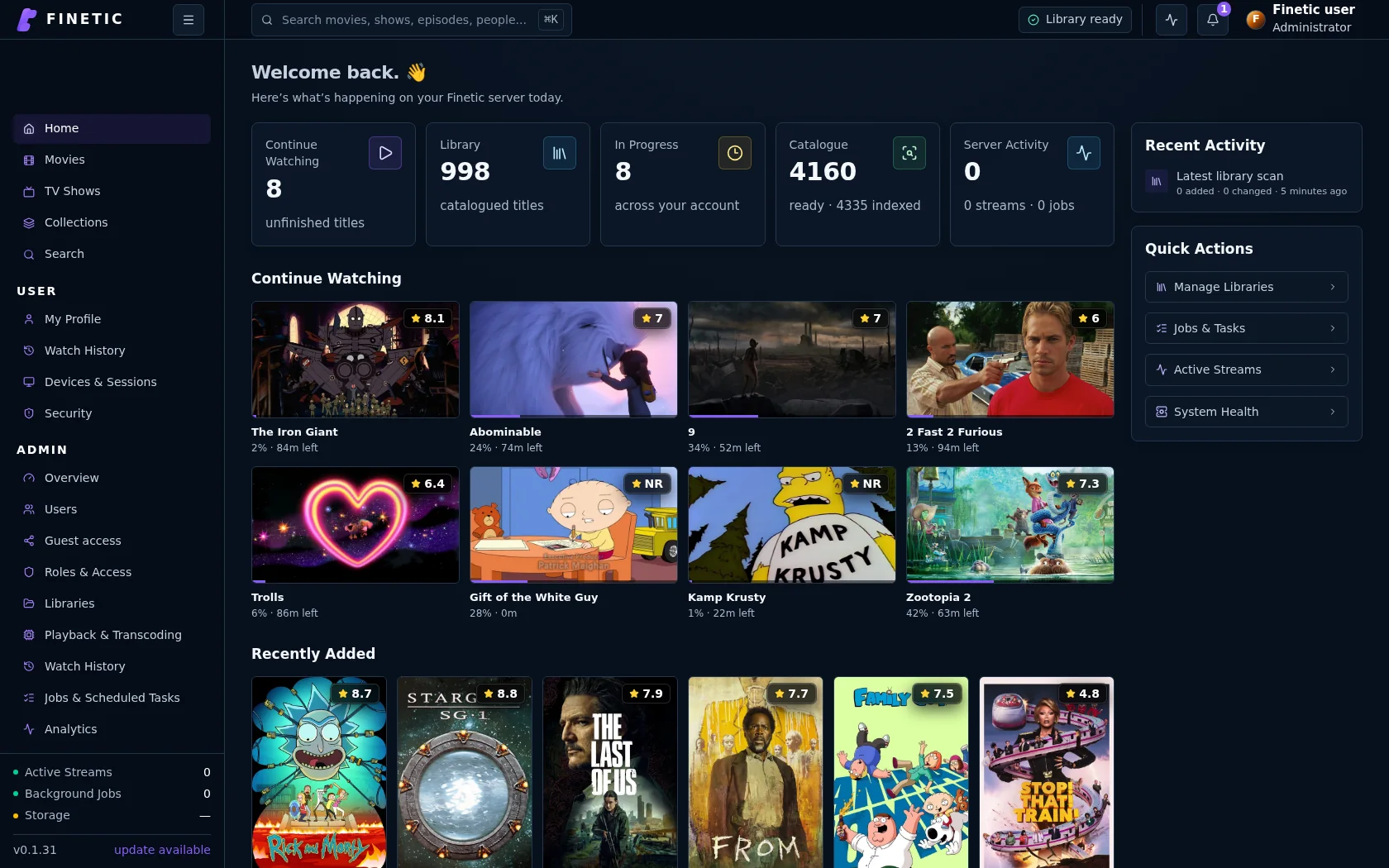 Captured from Finetic
What you will learn#
Finetic turns movies and television stored on hardware you control into a private streaming service. The same server powers the viewer interface, user accounts, library analysis, playback planning, history, diagnostics, backup and updates.
- What Finetic manages—and what remains yours
- How a file becomes a playable title
- Which setup decisions matter most
- Where to find help when something does not behave as expected
Key concepts#
Libraries#
A library is a configured set of folders containing one kind of media. Finetic currently treats movies and television as distinct libraries because their naming, hierarchy and playback continuation differ. The server reads only folders selected by an administrator.
Catalogue#
The catalogue is Finetic's trusted view of your media. It combines file identity, probe facts, local NFO metadata, configured provider results, artwork and per-user state. A missing mount is not automatically interpreted as thousands of deleted files.
Playback plan#
Before playback begins, the server compares the source container, video, audio, subtitles, HDR facts and selected preferences with the real capabilities reported by the client. It then selects Direct Play, remux, audio-only conversion or full transcode.
User state#
Progress, completion, favourites, track preferences and history are scoped to the authenticated user. Continue Watching is derived from the newest valid resume state, not from a fictional percentage on a media card.
A safe path through setup#
- Review system requirements and prepare stable media mounts.
- Complete first-run setup and create the first administrator.
- Add one small library and let the initial analysis complete.
- Open several title-detail pages and verify metadata and artwork.
- Test Direct Play and at least one conversion path on the devices you intend to use.
- Configure users, retention and a verified backup before adding the rest of the household.
Documentation conventions#
Labels in bold refer to visible Finetic controls. Monospace text represents a value, identifier or example. Warnings describe a real boundary rather than generic caution.
Public documentation intentionally omits private source locations, signing material, operator credentials and implementation details that could weaken entitlement or server security.
What to read next#
New administrators should continue with What is Finetic? and System requirements. Existing testers looking for a specific symptom can go directly to Playback troubleshooting or Diagnostics and support.