Libraries and filesystem access
Configure Finetic movie and TV libraries, browse mounted folders safely and understand missing, degraded and healthy library states.
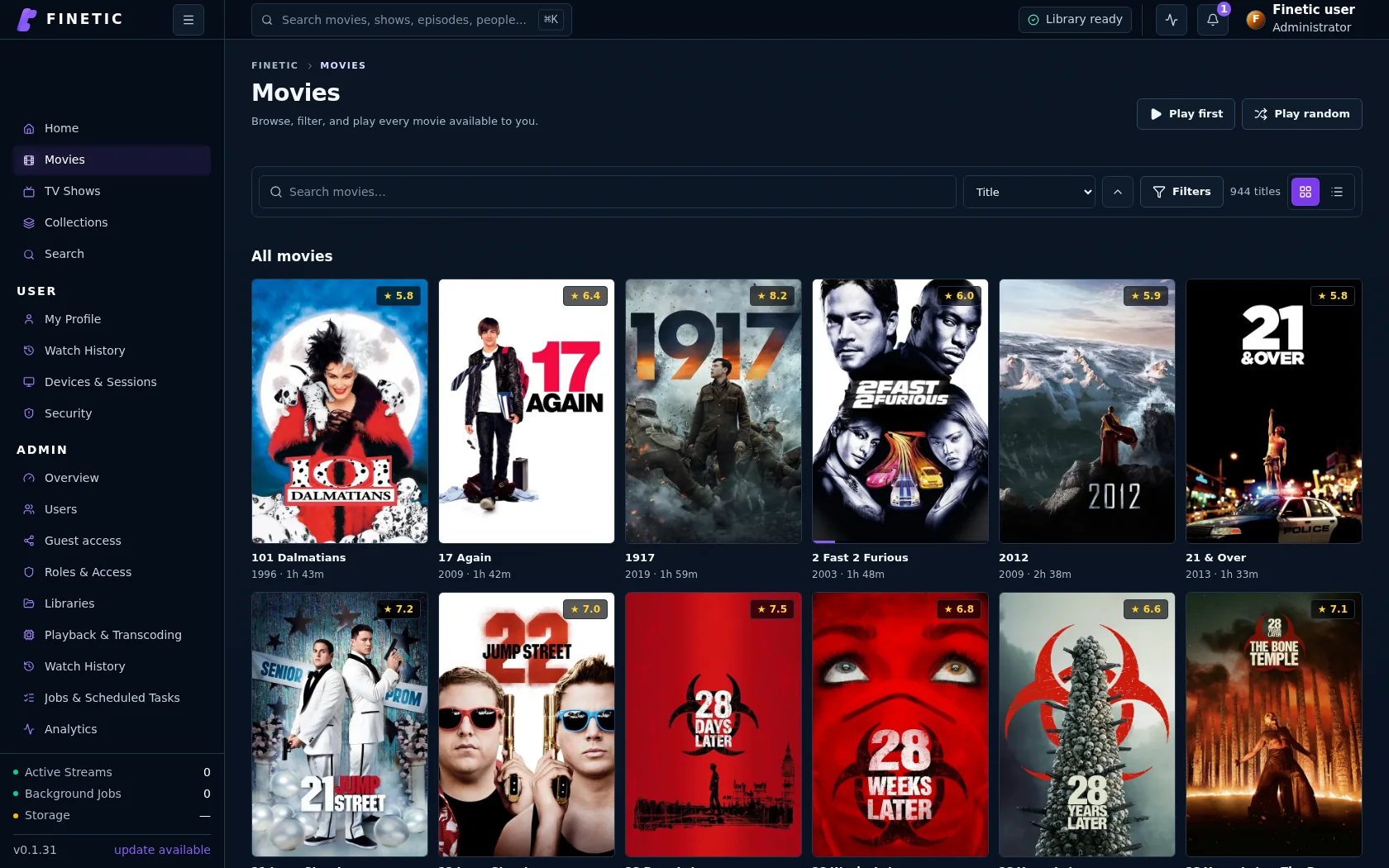 1Consistent library controls2Real catalogue artwork
Purpose of the Libraries page#
Admin → Libraries answers four questions: what Finetic is configured to scan, whether the underlying storage is reachable, what the catalogue currently believes, and what action is safe next.
It is not merely a list of folder names. A useful library row combines configured roots, catalogue totals, scan state, warnings and the reason for any degraded status.
Library health states#
| State | Meaning | Typical action |
|---|---|---|
| Healthy | Roots are reachable and the latest scan completed without a blocking issue | None |
| Scanning | Discovery or analysis is active | Open activity details; avoid duplicate scans |
| Degraded | At least one root, job class or integrity check needs attention | Open the explanation before rescanning |
| Unavailable | A configured root cannot currently be read | Restore the mount or permission |
| Empty | The root is reachable but contains no recognised media | Verify folder choice and naming |
Degraded is never intended as a decorative amber badge. The details panel should state the affected root or subsystem and offer a relevant action.
Filesystem browser#
The browser represents the server filesystem, not the computer running your browser. Breadcrumbs show the current folder, mounts identify storage boundaries, and selection state shows exactly what will be added.
Permission denied means the Finetic service cannot inspect that location. Fix host permissions rather than running the whole application as root.
Recommended movie structure#
One folder per movie makes local metadata and artwork ownership clear:
Movies/
  Arrival (2016)/
    Arrival (2016).mkv
    movie.nfo
    poster.jpg
    fanart.jpg
Recommended television structure#
TV Shows/
  American Dad! (2005)/
    tvshow.nfo
    Season 01/
      American Dad! - S01E01 - Pilot.mkv
      American Dad! - S01E01 - Pilot.nfo
Season and episode identity is derived from multiple signals. The structure helps, but Finetic must not assume every season shares the same title or artwork merely because local NFO data is incomplete.
Scan choices#
Use an incremental scan for ordinary additions and corrections. Use a full integrity scan when roots, identities or a large number of files changed. Metadata refresh should not unnecessarily re-probe unchanged video streams.
Repeatedly starting scans does not make one finish faster. It increases queue pressure and can delay playback-sensitive work.
Missing media and renamed files#
Finetic uses stable identity evidence so a trusted rename or move can retain progress and metadata. When a mount disappears, items should be shown as unavailable rather than immediately removed. Resolve the mount first, then run reconciliation.
Adding more than one root#
A library may include multiple roots, such as local storage and a NAS. Each root should have an independent health result. Avoid overlapping roots because the same file may be discovered twice through different paths.