Browse, search and organise
Use Finetic home rails, libraries, global search, details pages, collections, favourites and filters to navigate your media.
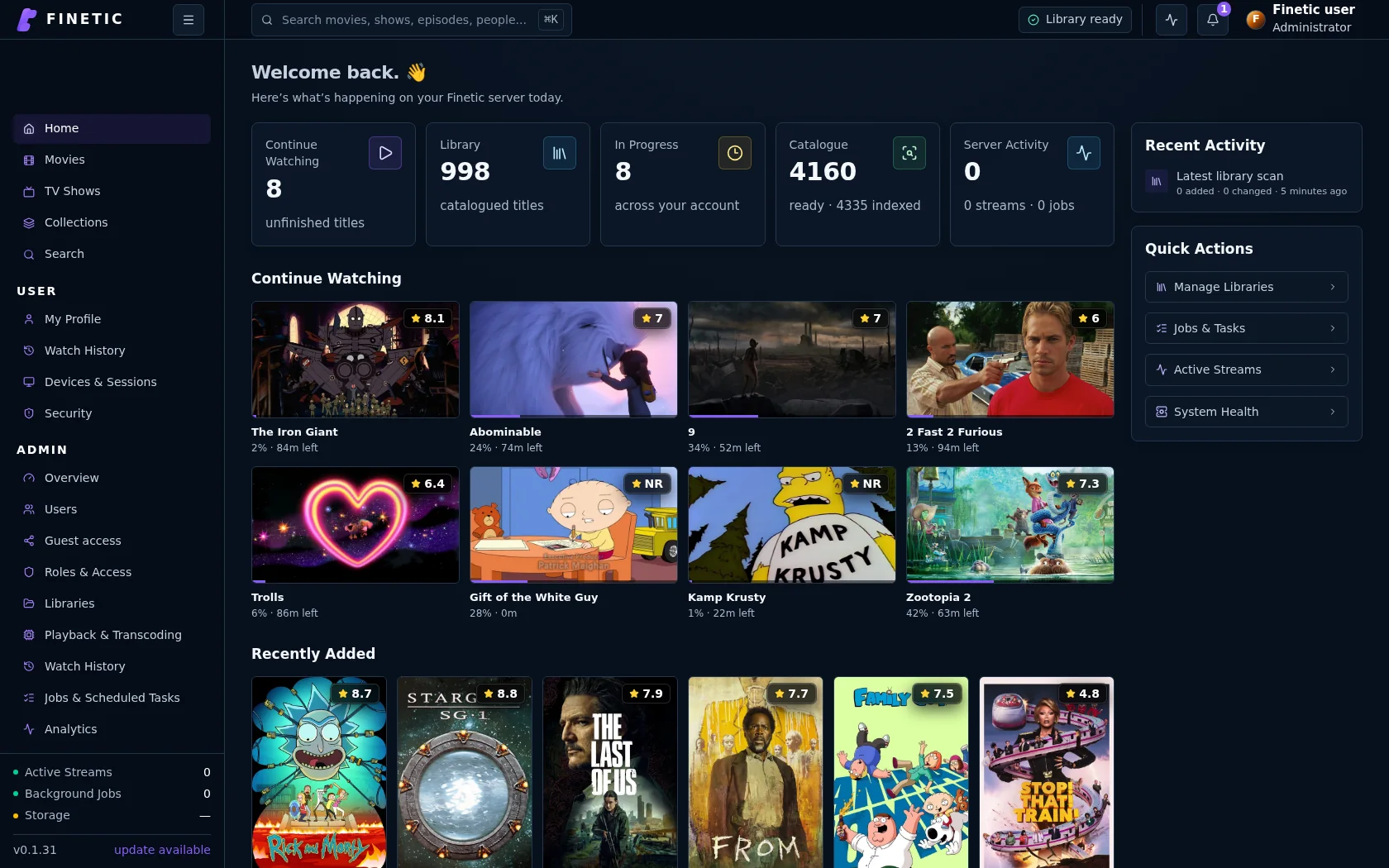 1Continue Watching2Library entry points
Home#
Home prioritises actions rather than duplicating the entire library. Continue Watching uses current per-user progress, Recently Added uses catalogue dates, and favourites provide a deliberate route back to saved titles.
Administrator summaries may appear for administrators, but normal users are not shown server controls they cannot use.
Movies and TV Shows#
Library pages use consistent search, filters, sort and view controls. Filters apply to the loaded catalogue query rather than hiding arbitrary cards already present in the browser.
Movie cards represent one title. TV cards represent a series and expose season/episode completion. Opening a show reveals seasons and individual episodes; selecting an episode starts it, while its options menu provides actions such as marking it watched.
Global search#
The top-bar search is available throughout the application. Results can include movies, shows, episodes, people and collections. Use the keyboard to move through the preview and press Enter to open the selected result.
Search does not reveal native filesystem paths to standard users.
Details pages#
Details pages separate Overview, Cast & Crew, Media Info, Chapters or Episodes, Versions and Reviews where real data exists. Tabs are omitted when the corresponding data does not exist.
Technical badges come from probe facts. Finetic does not invent an age rating, chapter list, resolution, collection or HDR label merely to fill space.
Favourites and collections#
Favourite a title from its details page. Personal favourites appear in My Profile and relevant library views. Collections group related movies and can be ordered by release date; chronological story order is shown only when reliable ordering data exists.