Fire TV client
Pair and use the Finetic Fire TV client, navigate with the remote, select tracks and understand its current private-testing status.
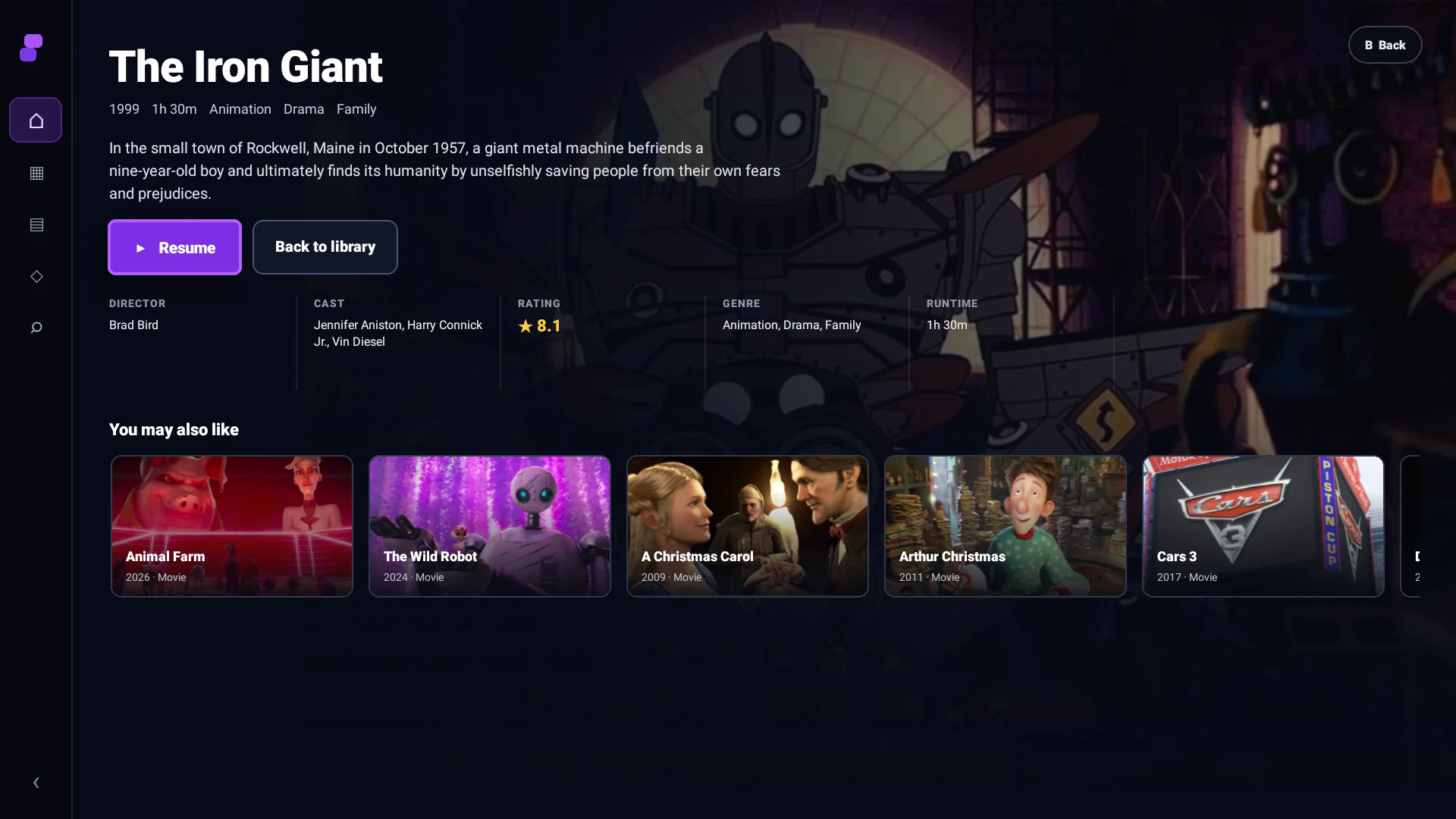 1Remote-first actions2Server-backed metadata
Current status#
The Fire TV client is a working private-test build, not an Amazon Appstore release. It reuses shared Finetic TypeScript contracts and server APIs while using a remote-first interface and native Android media playback.
Find and pair a server#
On a trusted LAN, discovery can show reachable Finetic servers. Manual HTTPS entry remains available when multicast discovery cannot cross the network. Pairing displays a short code that an authenticated user approves in the web interface.
The resulting device credential is revocable from Devices & Sessions. You do not type an administrator password with the remote.
Remote navigation#
Directional keys move spatial focus. Select opens or activates. Back returns from the player to details and then to the previous rail position. Play/Pause controls playback. Pressing a direction while the player controls are hidden reveals them without leaving playback.
Playback#
The Fire TV reports its Media3/ExoPlayer capabilities to the Finetic server and consumes the returned descriptor. It does not recreate the server planner. Progress, track selection, failures and telemetry appear with a useful Finetic Fire TV device identity—not a generic HTTP-library name.
Sideloading#
Private testers receive the current APK and device-specific instructions through the controlled release process. Public documentation does not host a reusable APK.
If discovery fails#
Confirm that phone/TV and server share a LAN, multicast is permitted, and the server advertises a reachable private address. Guest Wi-Fi commonly blocks peer discovery; use manual server entry instead.