PlaybackPlans explained
Finetic guides
Understand the media server behind the play button.
These guides explain the engineering decisions that make a self-hosted media server reliable. They are written to be useful whether you run Finetic today, are comparing products or are planning your first home server.
- Server
- Public pre-release evaluation through Docker Compose
- Web client
- Available with the server
- Fire TV & Android
- Supervised device testing
- Paid launch
- Pricing and final terms pending
HardwareWorkload-led sizing
Remote accessComplete route checks
SecurityExplicit boundaries
From source facts to a dependable system.
Each guide connects the visible outcome to the playback, infrastructure and recovery decisions underneath it.
Playback without unexplained conversion
Learn what Direct Play, remux, audio conversion and video transcoding actually change, why apparently compatible files still fail on some devices, and which evidence separates a network problem from a decoder problem.
Hardware selected for the real workload
Size CPU, memory, storage, network and GPU capacity around concurrent streams, codecs, subtitles and HDR instead of copying a generic parts list.
Remote access that remains private
Understand DNS, HTTPS, certificates, NAT, reverse proxies, byte ranges, HLS and WebSockets before exposing a household media server to the internet.
Security and recovery as normal operations
Use scoped accounts, bounded guest links, readable diagnostics, durable backups and tested restoration so convenience does not erase the boundaries of self-hosting.
Product evidence
Guides grounded in a working product.
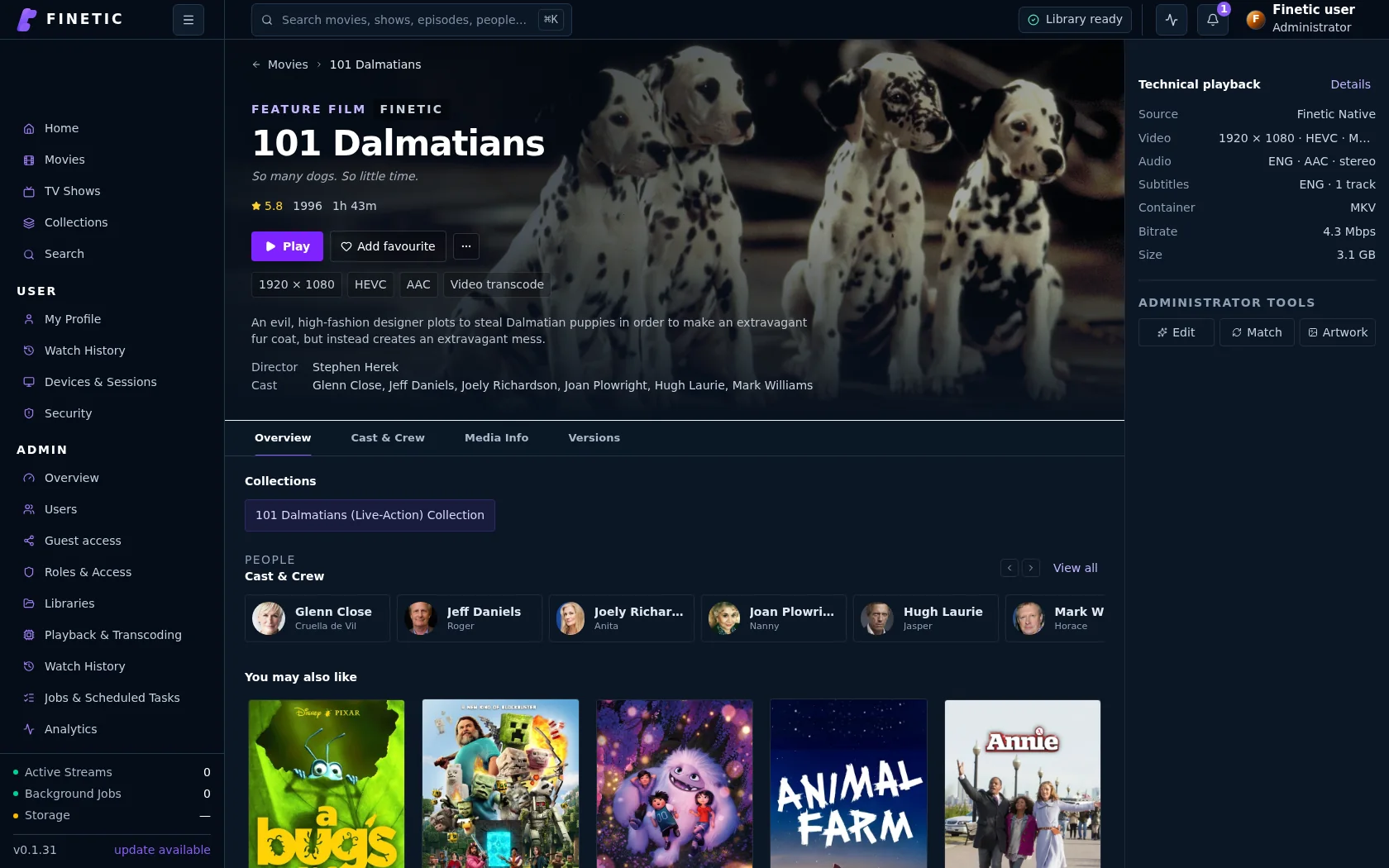
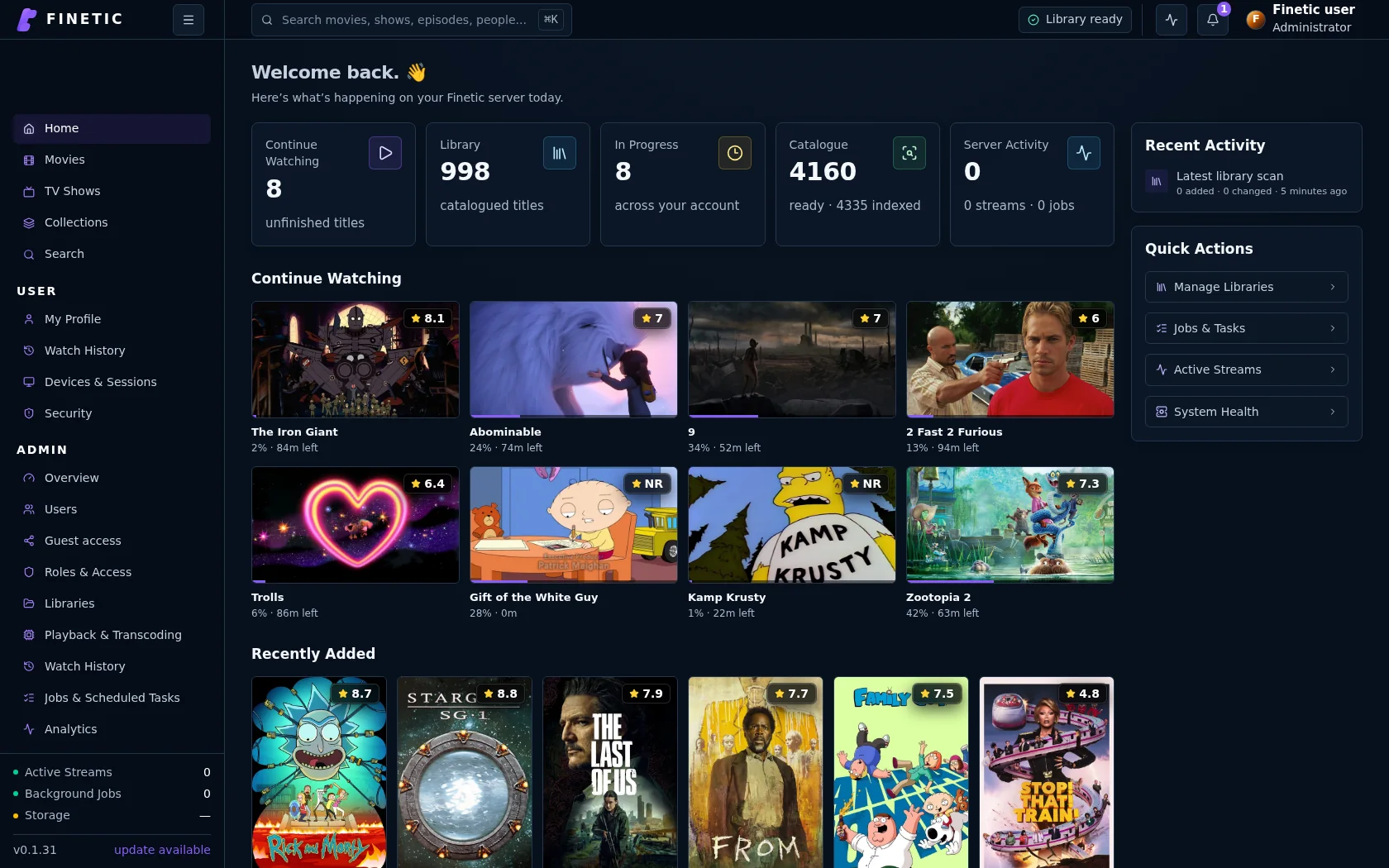
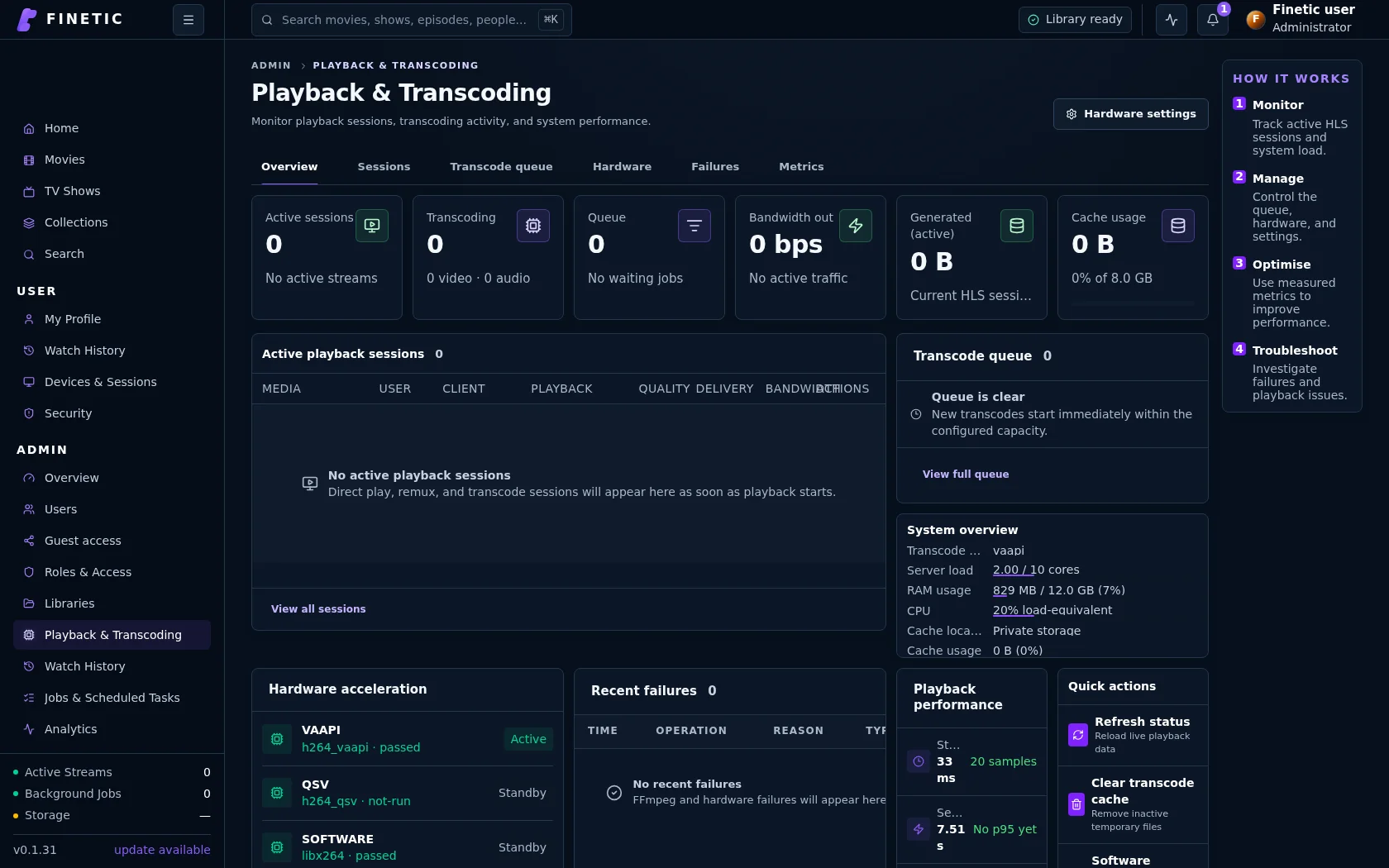
Finetic documentation connects playback, hardware and operational concepts to interfaces and evidence captured from the real server.
Practical self-hosting guides
Move from the playback decision to the hardware, public route and recovery boundary behind it.
PlaybackDirect Play vs remux vs transcoding
Understand what each path changes and why files that look compatible may still need conversion.
Read guide HardwareChoose media-server hardwareSize CPU, GPU, memory, storage and networking around real simultaneous workloads.
Read guide Remote accessVerify the complete public routeConnect DNS, HTTPS, NAT, byte ranges, HLS and WebSockets without exposing management services.
Read guide SecurityProtect a self-hosted media serverUse explicit accounts, bounded sharing, verified updates, safe diagnostics and tested recovery.
Read guideComplete 30-day evaluation
See whether Finetic earns a place in your home.
Install the compiled server with Docker Compose and evaluate every server feature. No card, automatic charge or source-repository access is required.