AccountsLeast useful privilege
Security guide
Protect the server without losing the point of self-hosting.
A private media server combines valuable household data, internet-facing playback and long-running infrastructure. Useful security comes from explicit boundaries, safe defaults and recoverable operations—not simply placing a lock icon beside the login form.
FINETIC ACCESSExplicit boundaries
Local media remains local.
A
AdministratorLibraries and server controls
Full accessH
HouseholdAssigned libraries and own history
ScopedG
GuestOne shared title until expiry
Expiring- Server
- Public pre-release evaluation through Docker Compose
- Web client
- Available with the server
- Fire TV & Android
- Supervised device testing
- Paid launch
- Pricing and final terms pending
Public boundaryHTTPS and safe sessions
RecoveryRestoration tested
DiagnosticsPreviewed and redacted
From source facts to a dependable system.
Each guide connects the visible outcome to the playback, infrastructure and recovery decisions underneath it.
Give each person an account and the minimum useful access
Separate administrator and viewer capabilities, limit libraries where appropriate, make sessions visible and revocable, and keep privileged navigation absent for unauthorised users. Shared administrator passwords erase accountability and make device loss harder to contain.
Treat public links as credentials
Guest shares should identify the exact movie, episode or show, expire, support revocation and avoid source downloads. Password unlocks need rate limits, and playback assets should use short-lived scoped claims rather than placing reusable master credentials in URLs that can reach logs or diagnostics.
Harden the public boundary
Use HTTPS with a valid certificate, secure and HTTP-only cookies for browser sessions, CSRF protection for mutations, restrictive CORS, security headers and a reverse proxy that does not expose application internals. Deny unexpected management paths and remove unnecessary software banners where possible.
Keep updates verifiable and recovery independent
Verify release signatures and archive structure before replacing a runtime. Back up configuration and database state separately from media, test restoration into a clean environment and preserve an explicit rollback path. A successful archive creation is not evidence that recovery works.
Make diagnostics safe to share
Use request and playback identifiers, human-readable errors and deliberate redaction. Remove tokens, cookies, email addresses, native paths and raw provider credentials before export. Administrators should be able to preview the bundle and understand what it contains.
- Review active and historical sessions regularly
- Alert on failed authentication and unusual share use
- Test backup restoration and licence-outage behaviour
- Keep media mounts read-only when writes are unnecessary
Product evidence
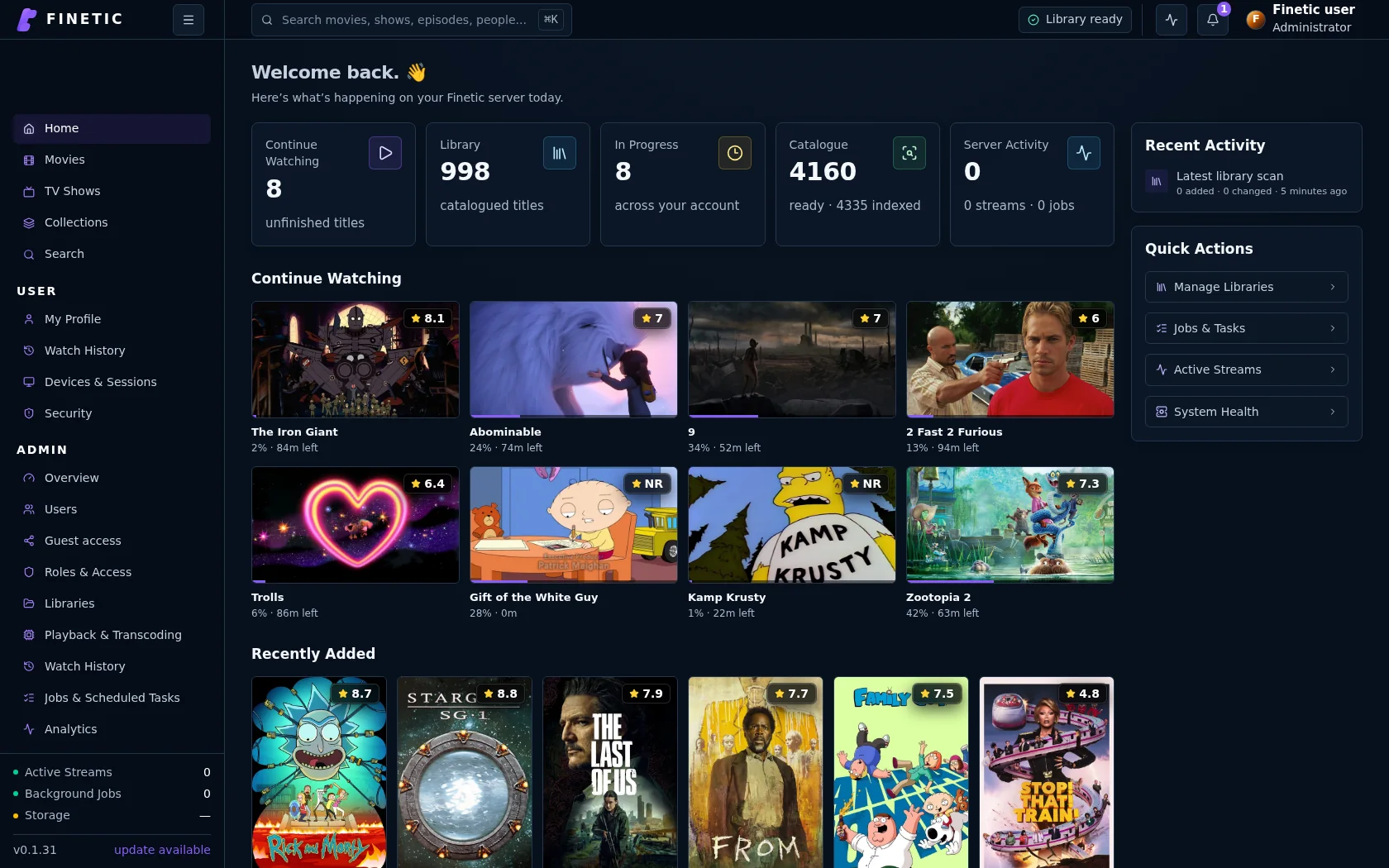
Security should remain operable.
Clear users, health, activity and recovery controls help administrators maintain boundaries without inspecting a configuration file for every answer.
Practical self-hosting guides
Move from the playback decision to the hardware, public route and recovery boundary behind it.
PlaybackDirect Play vs remux vs transcoding
Understand what each path changes and why files that look compatible may still need conversion.
Read guide HardwareChoose media-server hardwareSize CPU, GPU, memory, storage and networking around real simultaneous workloads.
Read guide Remote accessVerify the complete public routeConnect DNS, HTTPS, NAT, byte ranges, HLS and WebSockets without exposing management services.
Read guide SecurityProtect a self-hosted media serverUse explicit accounts, bounded sharing, verified updates, safe diagnostics and tested recovery.
You are hereComplete 30-day evaluation
See whether Finetic earns a place in your home.
Install the compiled server with Docker Compose and evaluate every server feature. No card, automatic charge or source-repository access is required.