CPUInteractive and filter work
Hardware guide
Choose media-server hardware from the streams you need to serve.
A useful sizing exercise starts with clients, source formats and simultaneous playback. Library size affects storage and catalogue work; playback method determines most real-time compute demand.
Pull the signed imageCompiled x64 or ARM64 server
CompleteStart PostgreSQLHealth-checked persistent database
Healthy03
Mount media read-onlyKeep existing libraries in place
Ready04
Start the 30-day trialOpen the graphical first-run wizard
Next- Server
- Public pre-release evaluation through Docker Compose
- Web client
- Available with the server
- Fire TV & Android
- Supervised device testing
- Paid launch
- Pricing and final terms pending
GPUCodec-specific acceleration
StorageDurable and cache tiers
NetworkPeak stream throughput
From source facts to a dependable system.
Each guide connects the visible outcome to the playback, infrastructure and recovery decisions underneath it.
Count concurrent playback paths, not household members
Three household profiles do not necessarily mean three transcodes. A Direct Play stream mostly consumes disk and network throughput, while a subtitle burn-in or HDR conversion can dominate the server. List the worst credible simultaneous combination and keep capacity for scans, backups and operating-system work.
CPU still matters with a GPU
The CPU runs the server, database, metadata analysis, container handling, audio conversion, subtitle processing and any filters not supported by the hardware path. Strong single-thread performance also helps startup and request latency. Hardware video support should supplement a balanced host rather than excuse an extremely weak CPU.
Select acceleration by codec and filter support
Intel Quick Sync is often attractive for efficient integrated decode and encode; AMD exposes video acceleration through VAAPI on supported Linux stacks; NVIDIA uses NVENC and NVDEC with its container runtime. Confirm the exact generation supports the codecs, bit depths and tone-mapping path you intend to use. An encoder name in FFmpeg is not a completed playback test.
Separate durable storage from disposable cache
Media, PostgreSQL data, configuration, artwork, backups and transcode cache have different durability and performance needs. SSD-backed database and cache storage improves interactive work; large media can remain on HDD or network storage when sequential throughput and availability are sufficient. Keep cache bounded and backups independent of the application volume.
Measure the complete route
A gigabit LAN does not guarantee remote playback. Account for storage reads, server egress, internet upload, reverse-proxy behaviour, client Wi-Fi and the source bitrate peaks. Validate multiple seeks and long playback, not only whether the first frame appeared.
- Direct Play throughput and seek response
- One and multiple hardware transcodes
- Image-subtitle burn-in and HDR-to-SDR conversion
- Library scan load while an interactive stream is active
Product evidence
Hardware serves the experience.
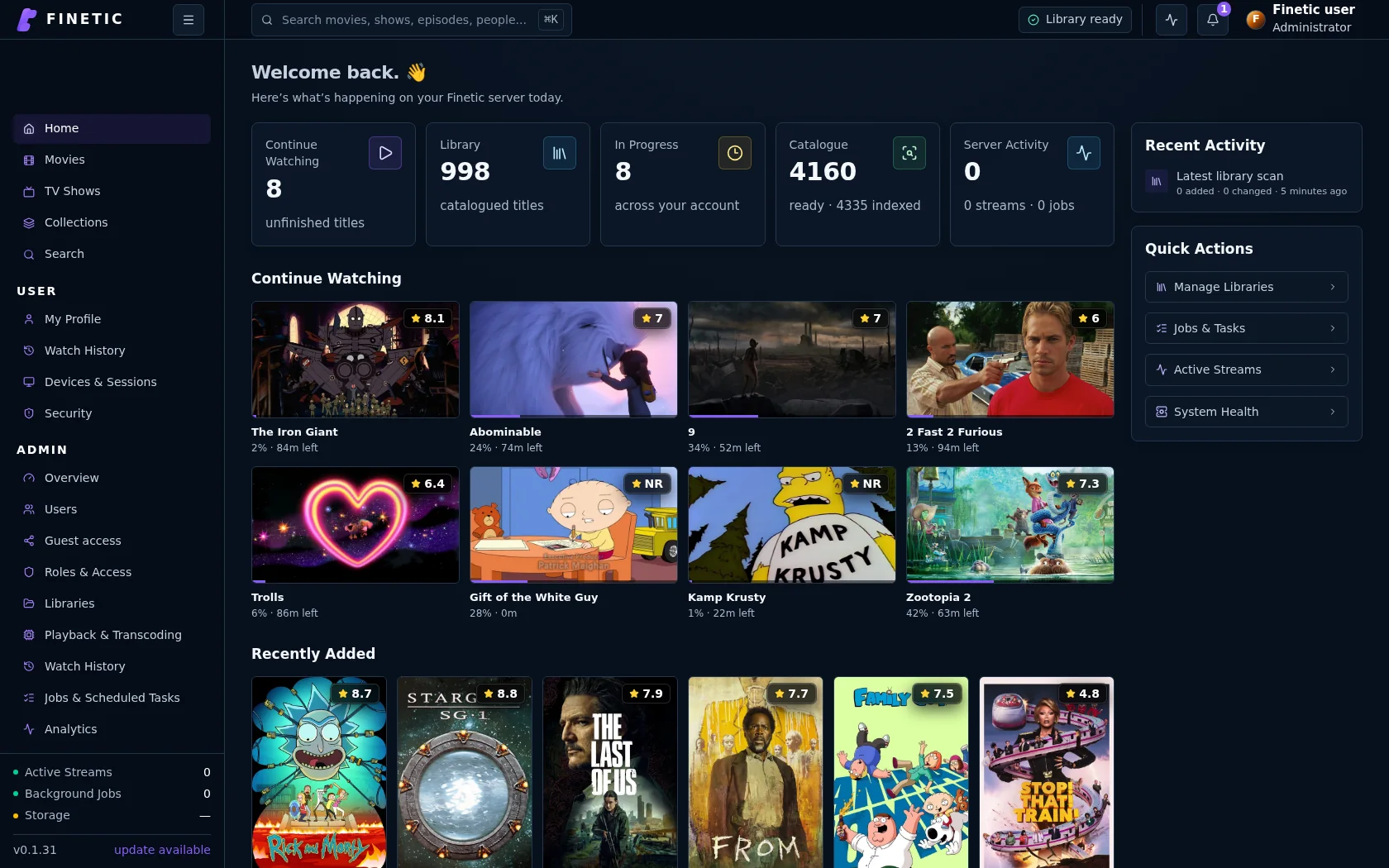
Interactive browsing, background analysis and active playback share one server, so sizing must account for all three.
Practical self-hosting guides
Move from the playback decision to the hardware, public route and recovery boundary behind it.
PlaybackDirect Play vs remux vs transcoding
Understand what each path changes and why files that look compatible may still need conversion.
Read guide HardwareChoose media-server hardwareSize CPU, GPU, memory, storage and networking around real simultaneous workloads.
You are here Remote accessVerify the complete public routeConnect DNS, HTTPS, NAT, byte ranges, HLS and WebSockets without exposing management services.
Read guide SecurityProtect a self-hosted media serverUse explicit accounts, bounded sharing, verified updates, safe diagnostics and tested recovery.
Read guideComplete 30-day evaluation
See whether Finetic earns a place in your home.
Install the compiled server with Docker Compose and evaluate every server feature. No card, automatic charge or source-repository access is required.