First stepCapture the descriptor
Finetic support
Start with evidence. Keep credentials private.
Finetic provides public technical documentation and direct email support for reproducible server, Fire TV, Android, playback, account and entitlement issues during the pre-release period.
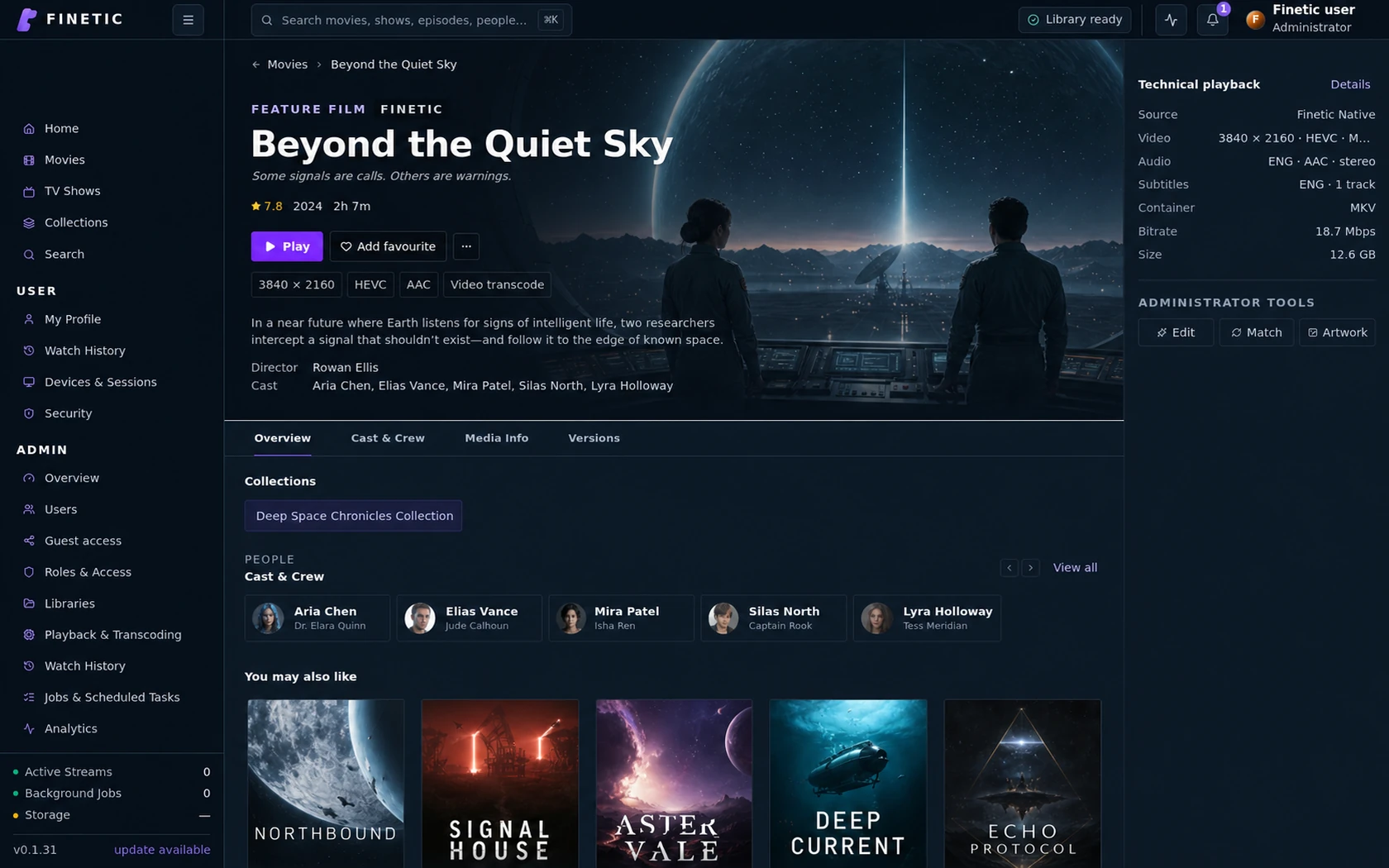
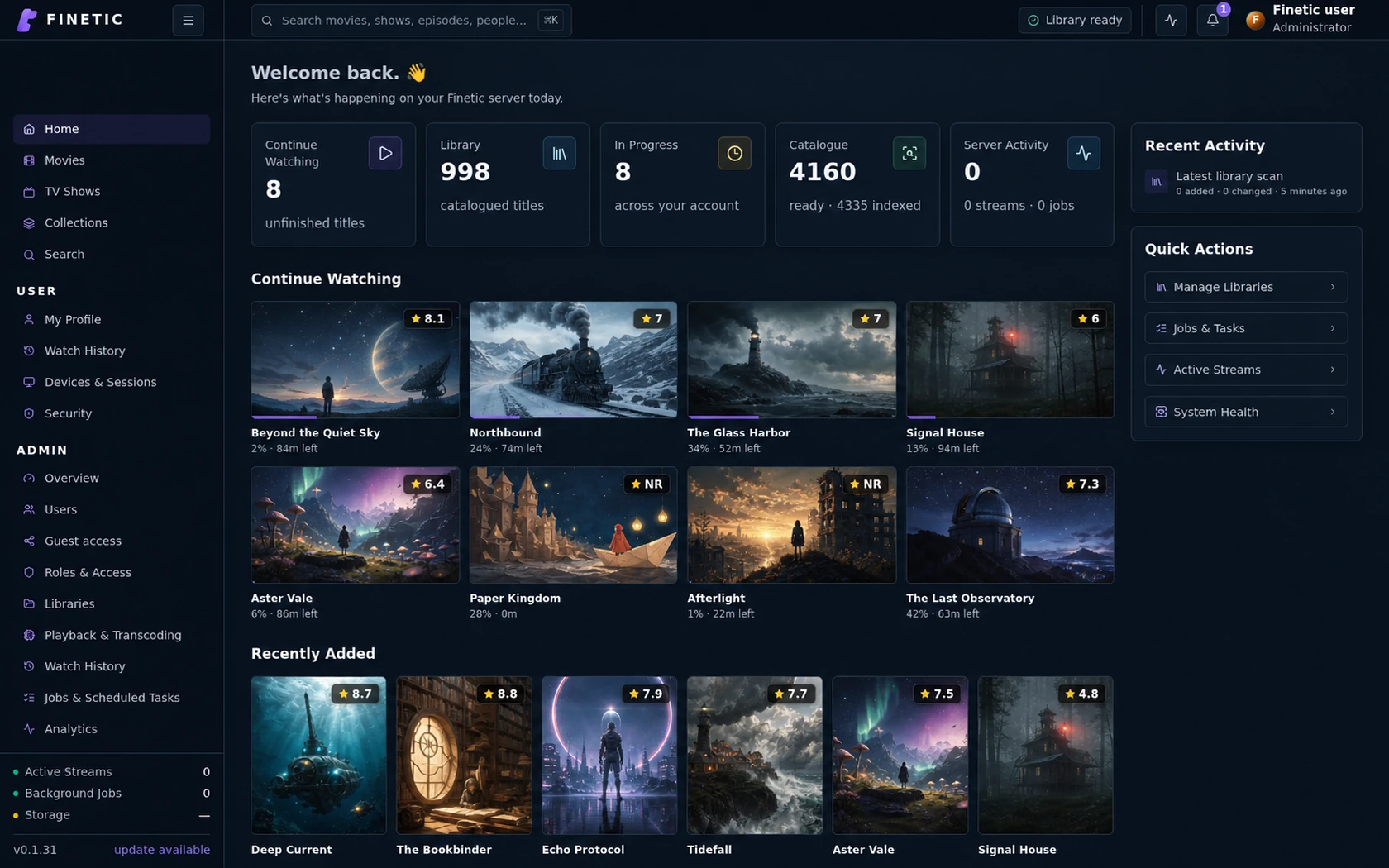
- Server
- Public pre-release evaluation through Docker Compose
- Web client
- Available with the server
- Fire TV
- Submitted to Amazon Appstore review
- Android
- Supervised device testing
- Paid launch
- Pricing and final terms pending
DiagnosticsPreview and redact
ClientsFire TV and Android
Contacthello@youngstudio.uk
Designed as a system, experienced as a product.
The technical depth remains available without turning the normal viewing experience into a server dashboard.
Before contacting support
Confirm the server and client versions, reproduce the issue once, and copy the request or playback descriptor shown by Finetic. For playback problems, include the selected delivery method, device model and the action taken immediately before the failure.
- Use the in-app playback diagnostic where one is available
- State whether the problem affects one title, one device or every client
- Include the time of the failure and your timezone
- Never send a password, session cookie, licence token or private key
Fire TV and Android assistance
Pairing and playback depend on a reachable Finetic server and a device account permitted to use its libraries. The server owner should first confirm that the device remains listed under Devices & Sessions and that the same title plays through the server web client.
Installation and recovery guidance
The public documentation covers Docker Compose installation, persistent volumes, media permissions, PostgreSQL, GPU access, updates, rollback, backup and restore. Recovery guidance keeps database, artwork, cache and source media responsibilities separate.
Contact Young Studio
Email hello@youngstudio.uk with a concise description and safe evidence. Pre-release support is provided on a reasonable-efforts basis; formal response targets and paid support terms have not yet been published. Security concerns should use the same address with “Security” in the subject line.
Complete 30-day evaluation
See whether Finetic earns a place in your home.
Install the compiled server with Docker Compose and evaluate every server feature. No card, automatic charge or source-repository access is required.