Source accessRead-only Jellyfin API
Tested Jellyfin migration
Move from Jellyfin without gambling with your library.
Finetic connects to Jellyfin through its supported HTTP API, scans the same files through Finetic, previews every match and applies only the user state that can be mapped safely. Jellyfin and the source media remain unchanged.
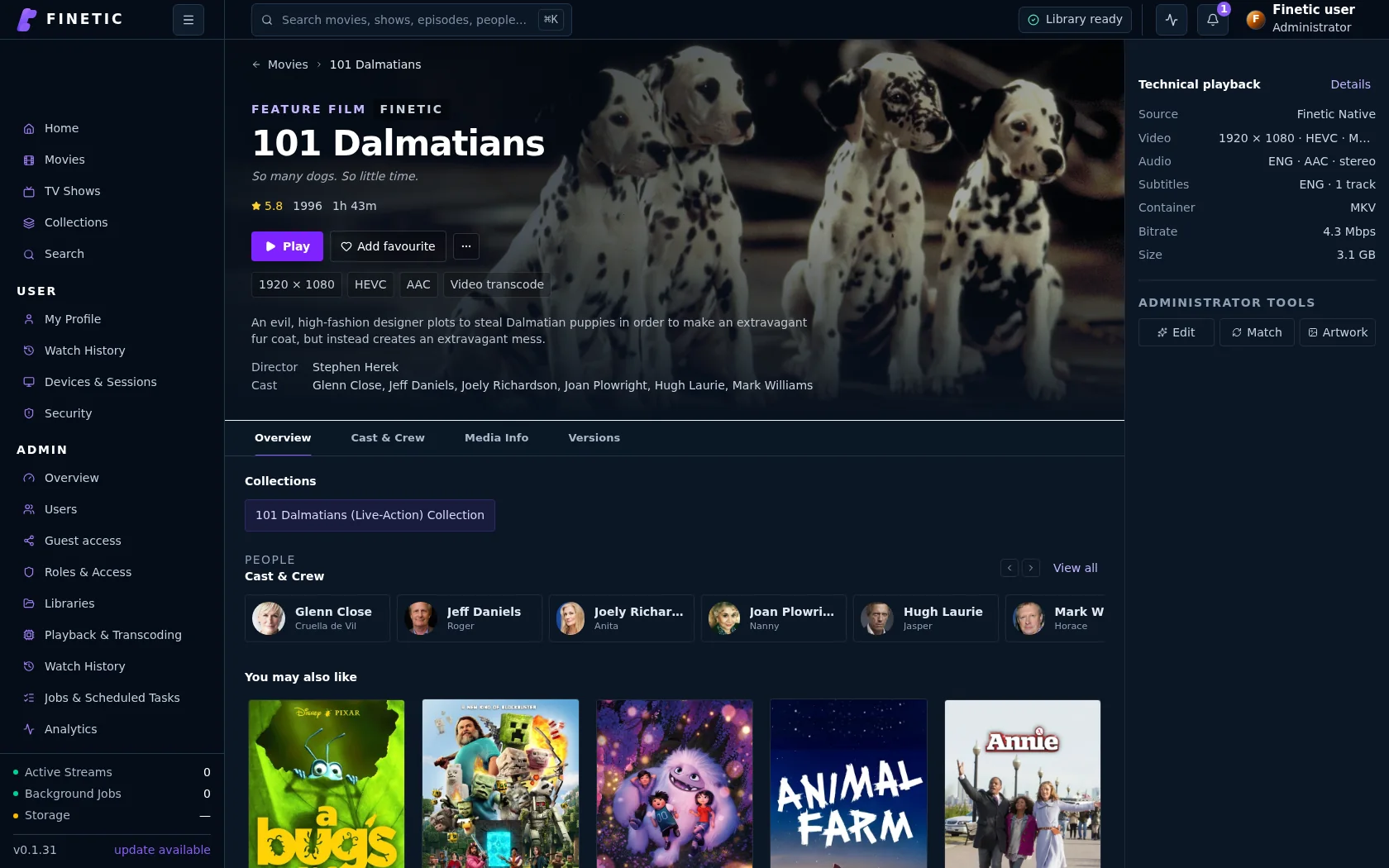
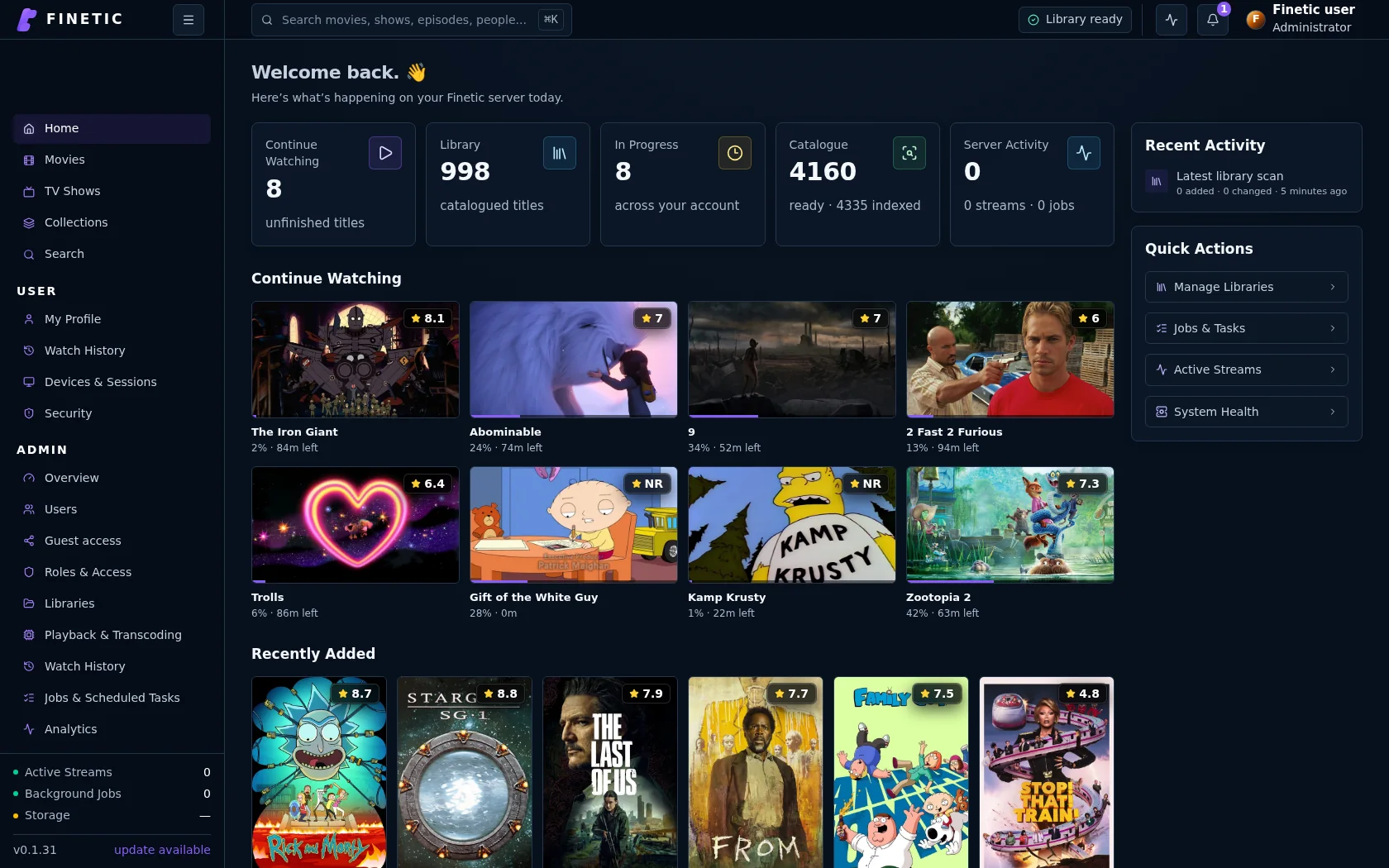
- Server
- Public pre-release evaluation through Docker Compose
- Web client
- Available with the server
- Fire TV & Android
- Supervised device testing
- Paid launch
- Pricing and final terms pending
MediaScanned independently
Profile stateApplied after review
EvidenceEnd-to-end tested
From source facts to a dependable system.
Each guide connects the visible outcome to the playback, infrastructure and recovery decisions underneath it.
The source remains read-only
The migration does not convert a Jellyfin database, copy media, rename files or change the Jellyfin server. Finetic reads selected Movies and TV Shows libraries, maps their paths to folders visible inside Finetic and builds its own catalogue before any user state is written.
The wizard makes uncertainty visible
Exact translated paths and unique provider identities are the strongest matches. Unique title/year and episode identities remain reviewable. Ambiguous, duplicate-target and unmatched items stay excluded instead of being guessed. The administrator sees exact totals and representative exceptions before applying anything.
- Browse for Finetic-visible folders instead of recalling container paths
- Map a Jellyfin profile to an existing Finetic user or a named activation link
- Preserve existing Finetic state unless replacement is explicitly enabled
- Keep a migration ledger so safe rollback can distinguish later viewing activity
Know exactly what moves
For safely matched media, Finetic can apply watched state, resume position, favourites, play count and last-played markers. Selected library access and a supported profile avatar can also transfer. Passwords, administrator roles, raw playback sessions, playlists, ratings and Jellyfin artwork cache are deliberately excluded.
The activation flow works without SMTP
A new household member receives a named private activation link, chooses a Finetic password and keeps the Jellyfin display name. The administrator can recover or replace the link later from Users. Imported state is staged until that account is activated; normal household users are not interrupted by the installation owner’s trial flow.
What the end-to-end test proved
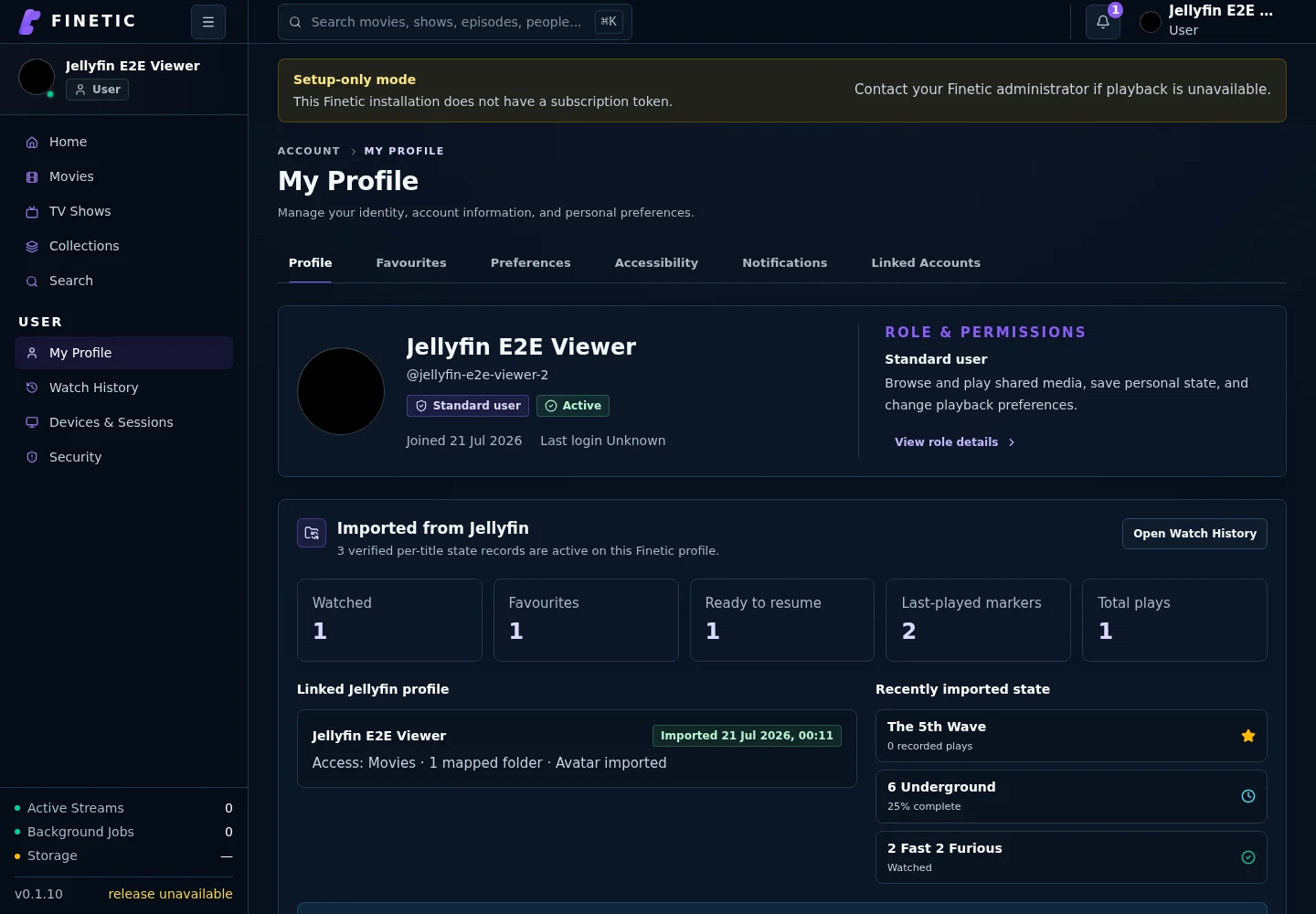
On 20 July 2026, a disposable Jellyfin-to-Finetic test migrated one watched item, one favourite, one 25-percent resume position, two last-played markers, one play count, selected movie access and a profile avatar into a newly activated standard user. The test also verified named pending invitations, lost-link replacement and preservation of the Jellyfin display name.
- Three verified per-title state records became active on the mapped profile
- Continue Watching showed the imported 25-percent resume position
- The profile summary distinguished imported title state from session-level history
- No claim is made that Jellyfin session-by-session history was transferred
Plan for scan time, not browser time
Large migrations are limited mainly by Finetic discovering and probing the selected media, not by the number of wizard cards. Start with stable mounts, allow the catalogue scan to continue server-side and review the dry-run totals when analysis completes. The public technical guide documents failure handling, privacy boundaries and rollback semantics.
Product evidence
Verified state appears on the activated profile.
This captured end-to-end test shows the exact watched, favourite, resume, play-count and last-played state imported from one Jellyfin profile.
Practical self-hosting guides
Move from the playback decision to the hardware, public route and recovery boundary behind it.
MigrationMove safely from Jellyfin
See the tested dry-run, matching, activation and per-user state transfer workflow.
You are here PlaybackDirect Play vs remux vs transcodingUnderstand what each path changes and why files that look compatible may still need conversion.
Read guide EvidenceBenchmark playback honestlyMeasure first frame, seeks, delivery paths and failures without hiding inconvenient results.
Read guide HardwareChoose media-server hardwareSize CPU, GPU, memory, storage and networking around real simultaneous workloads.
Read guide ProxmoxDeploy inside a dedicated guestUse tested Compose, persistent state, read-only media and explicit GPU delegation.
Read guide UnraidMap Finetic onto UnraidTranslate appdata, media shares, identities and GPU devices without overstating certification.
Read guide TrueNAS SCALESeparate storage from runtimePlan datasets, PostgreSQL persistence, cache and backups through the public container contract.
Read guide Remote accessVerify the complete public routeConnect DNS, HTTPS, NAT, byte ranges, HLS and WebSockets without exposing management services.
Read guide SecurityProtect a self-hosted media serverUse explicit accounts, bounded sharing, verified updates, safe diagnostics and tested recovery.
Read guideComplete 30-day evaluation
See whether Finetic earns a place in your home.
Install the compiled server with Docker Compose and evaluate every server feature. No card, automatic charge or source-repository access is required.