Amazon statusLive
Now live on Amazon Appstore
Your Finetic library is now on Fire TV.
Finetic for Fire TV version 0.1.15 is publicly available through Amazon Appstore, bringing a purpose-built remote-first client to Finetic households.
- Server
- Public pre-release evaluation through Docker Compose
- Web client
- Available with the server
- Fire TV
- Live on Amazon Appstore
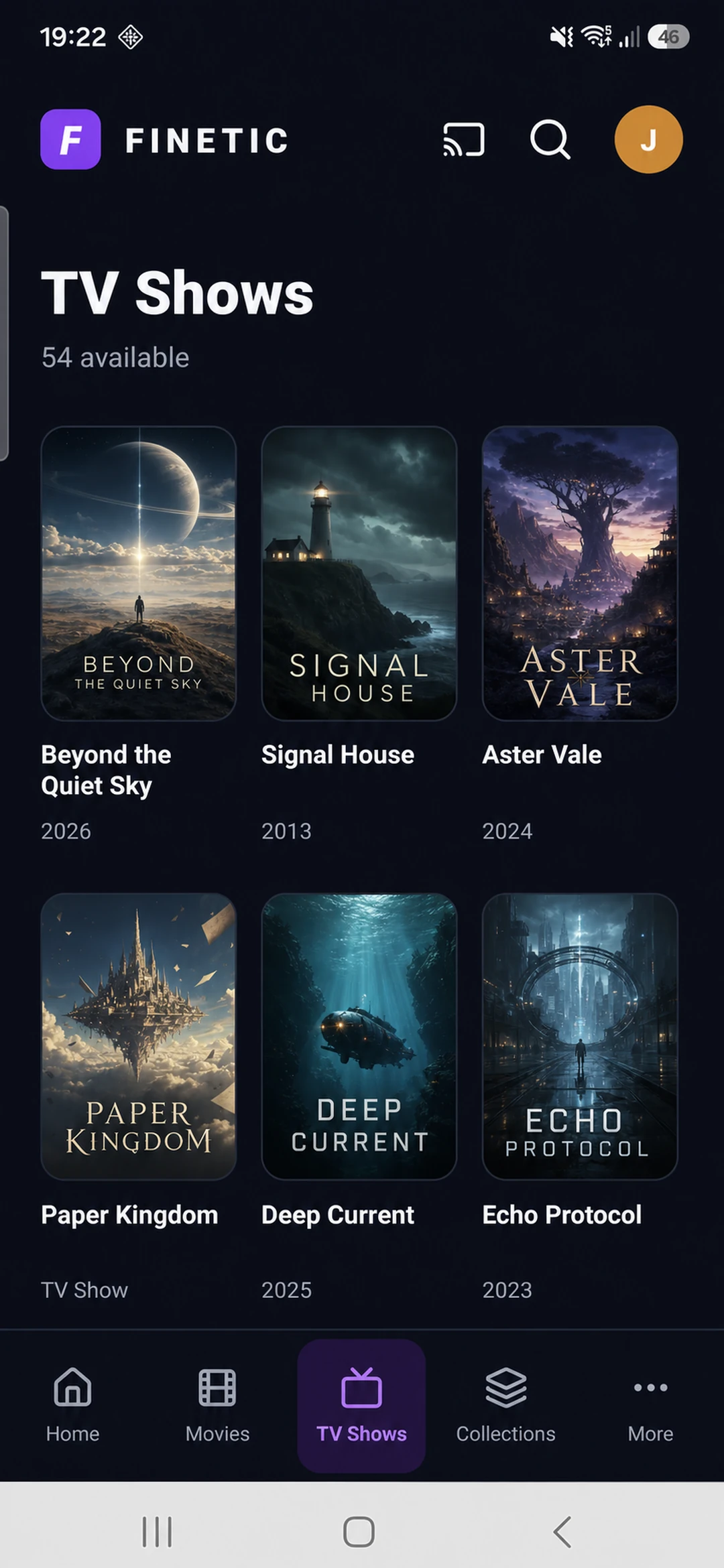
- Android
- Supervised device testing
- Paid launch
- Pricing and final terms pending
AvailabilityAmazon Appstore
PlaybackServer-authoritative
Review libraryOpenly licensed
Designed as a system, experienced as a product.
The technical depth remains available without turning the normal viewing experience into a server dashboard.
Find Finetic on your Fire TV
Open Find on a supported Fire TV, choose Search, enter Finetic, select the Finetic application and choose Get or Download. Newly published listings can take time to appear in Amazon web search and every regional storefront.
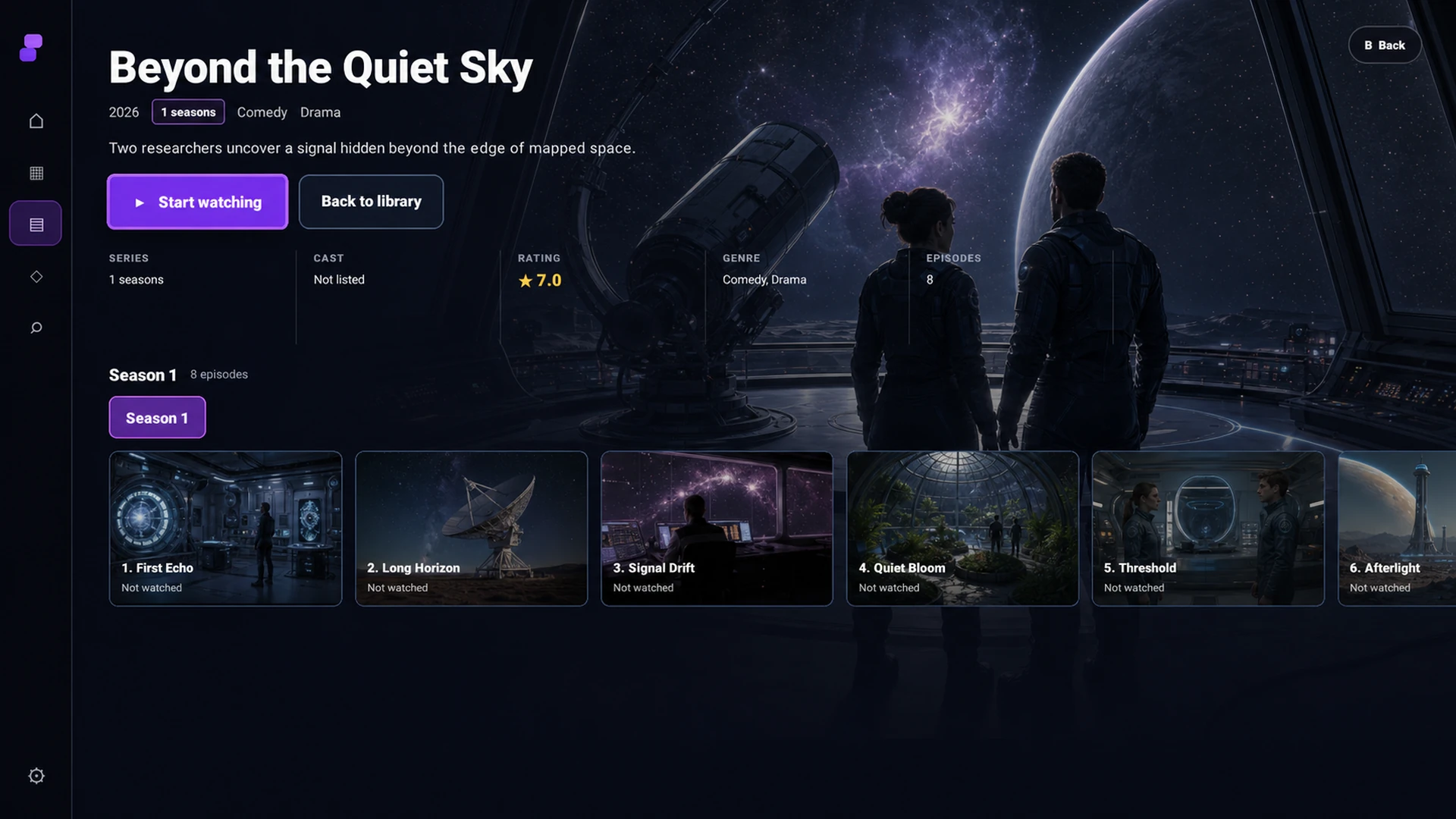
Built around the Fire TV remote
The interface uses directional focus, remote-sized targets, remembered library positions and television-scale details rather than transplanting the browser administration interface.
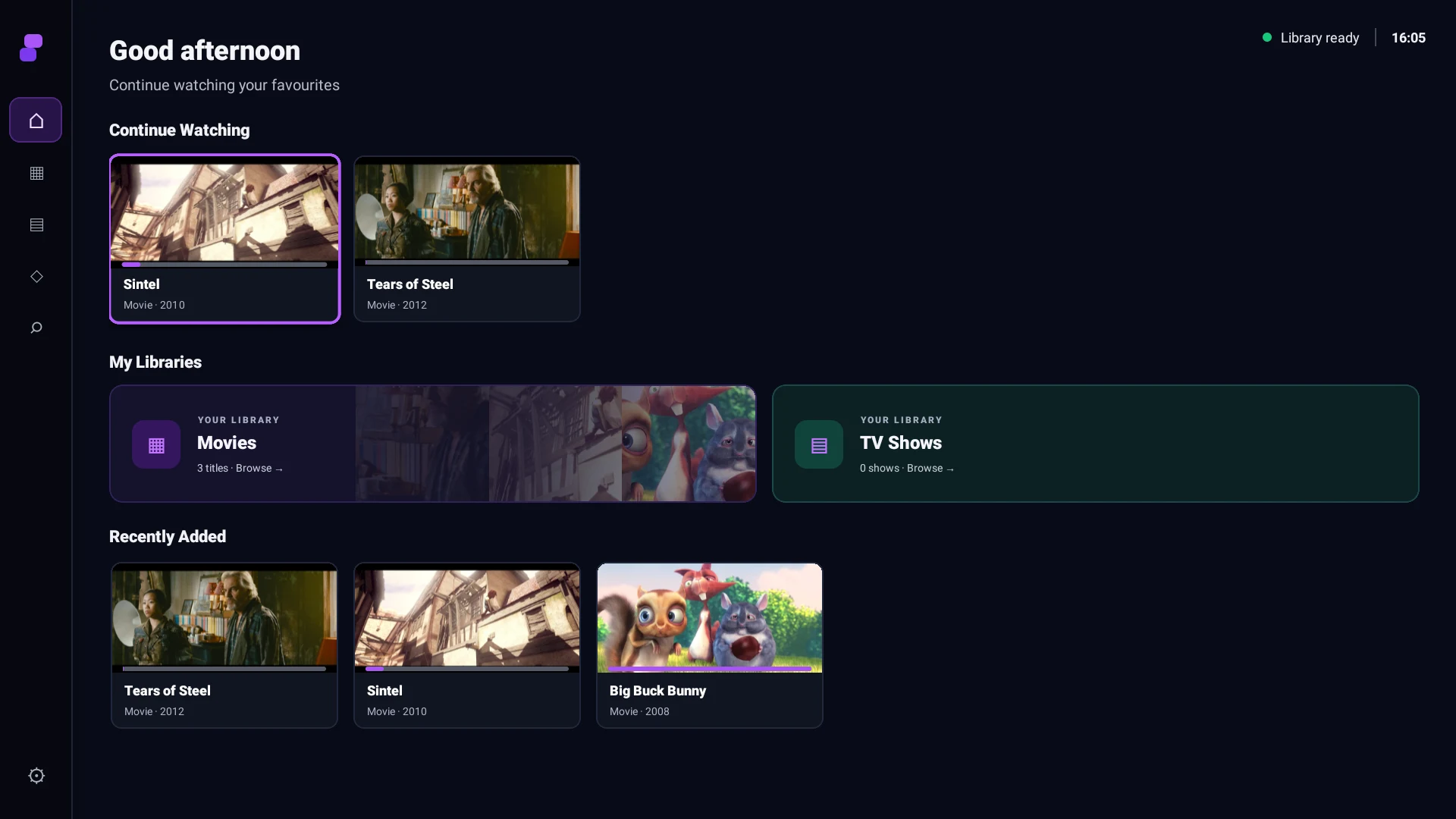
- Home, Movies, TV Shows, Collections and server-backed search
- Series, season and episode navigation
- Audio and subtitle track selection
- Play, pause, forward and rewind controls with visible seek feedback
- Resume progress and next-episode transitions
One playback engine across the household
The client reports its actual device capabilities to the Finetic server. The server remains authoritative for Direct Play, remux, audio conversion and full transcoding, while progress, failures and telemetry retain a clear Finetic for Fire TV identity.
What Amazon reviewed
Version 0.1.15 passed Amazon primary, content-policy and functionality validation against a restricted reviewer environment containing only openly licensed Blender Open Movies. Reviewers could connect, browse, search and play without access to private household media or server administration.
Finetic supplies software, not entertainment
The Fire TV application contains no films, channels, subscription catalogue, downloader or third-party streaming search. It connects only to a Finetic server selected and authorised by the user, and plays media that server is permitted to provide.
Product evidence
The published build, running against the review library.
Amazon reviewed the real remote-first interface using openly licensed media and a restricted household account.
Complete 30-day evaluation
See whether Finetic earns a place in your home.
Install the compiled server with Docker Compose and evaluate every server feature. No card, automatic charge or source-repository access is required.