Corpus200 real-library films
Playback evidence methodology
A play button is not a playback benchmark.
Useful media-server evidence records the source, client, selected plan, decoded frames, seek behaviour and failures under controlled resources. It also states when results are internal, incomplete or no longer representative of the latest release.
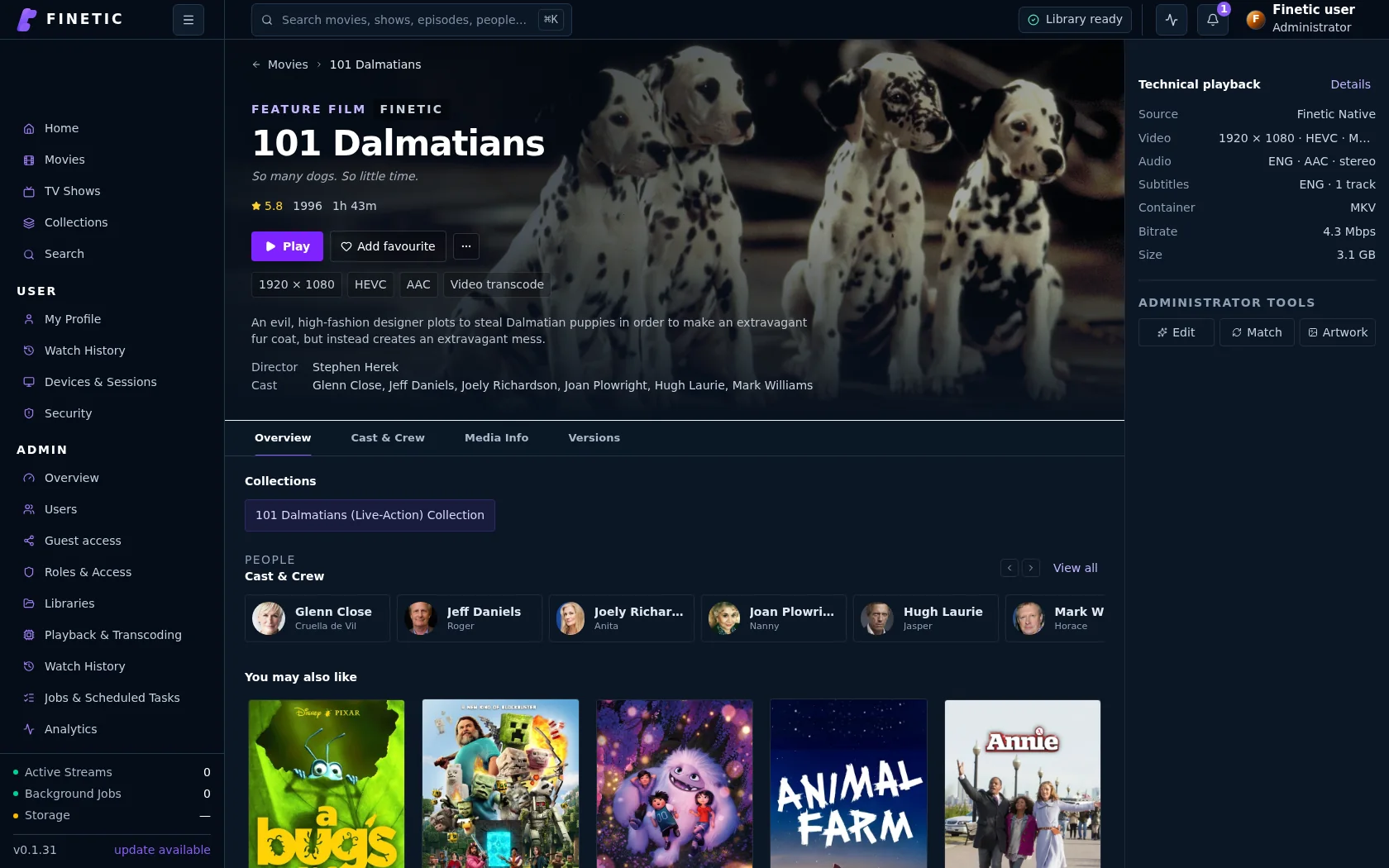
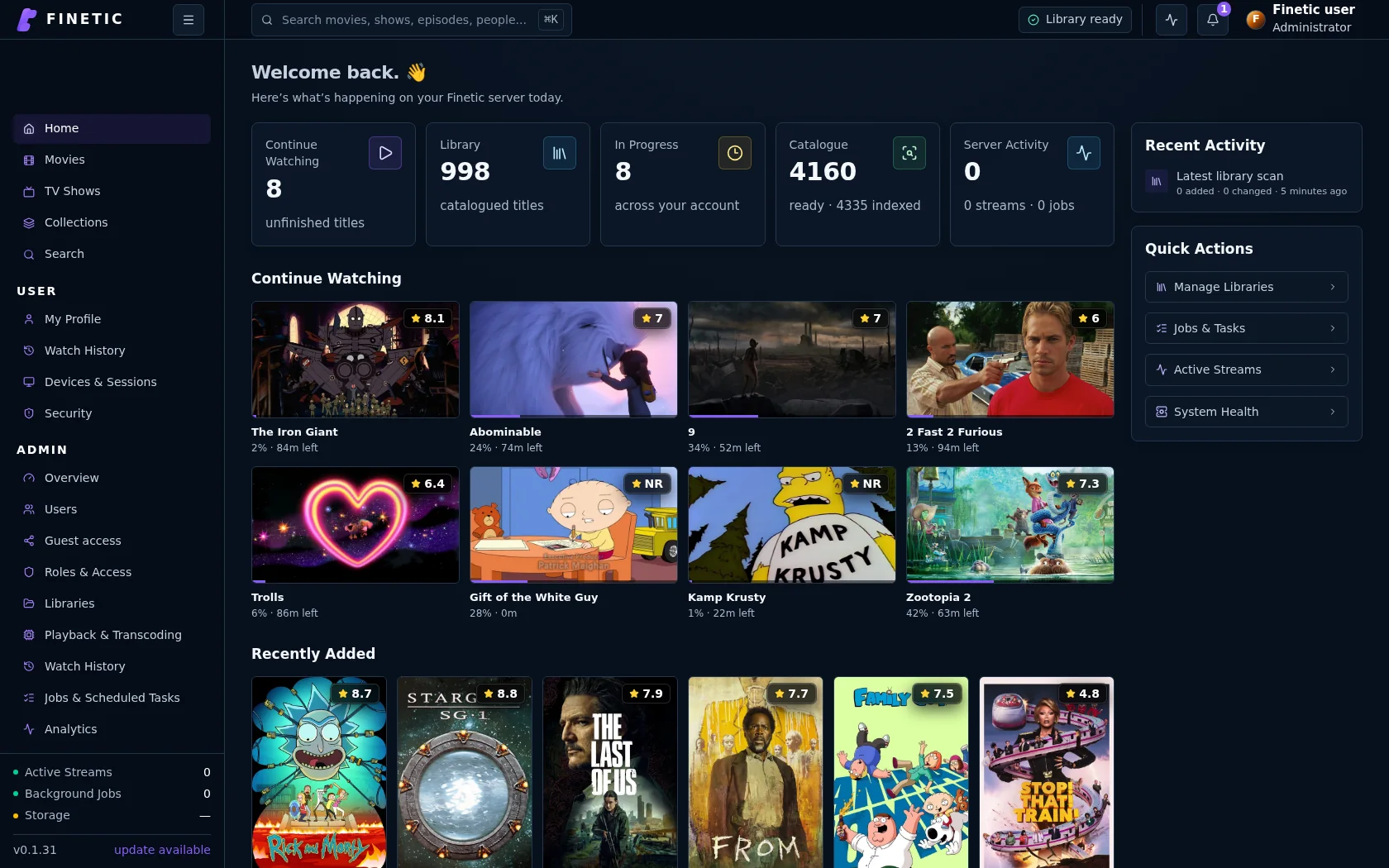
- Server
- Public pre-release evaluation through Docker Compose
- Web client
- Available with the server
- Fire TV & Android
- Supervised device testing
- Paid launch
- Pricing and final terms pending
ClientDecoded Chromium frames
MeasuresFirst frame + seek
DisclosureFailures retained
From source facts to a dependable system.
Each guide connects the visible outcome to the playback, infrastructure and recovery decisions underneath it.
Keep the environment equivalent
Run products sequentially against the same read-only files with equivalent CPU, memory, storage, network and GPU access. Record exact server and client versions. Do not let simultaneous tests compete for host resources, and disclose when filesystem cache cannot be perfectly isolated.
Measure decoded playback, not only HTTP success
Time to first frame should end when the client presents decoded video, not when the page or manifest loads. A seek passes only when playback advances from the requested position. Count stalls, buffering intervals, dropped frames and terminal errors. Use repeated runs and medians rather than selecting the best result.
Record the actual delivery decision
Capture Direct Play, remux, audio-only conversion, full transcode and subtitle burn-in separately. Preserve the reason codes, source stream facts, selected tracks, client capability and observed encoder backend. A faster result is not equivalent if one product silently changes quality or audio.
State what automation cannot prove
Headless decoded-frame tests do not prove audible channel mapping, HDR correctness, subtitle fidelity or subjective picture quality. Those require a suitable physical display, audio path and human observation. Internal Finetic testing is medium-confidence evidence, not independent certification.
The latest validated comparison
The latest equivalent-resource Linux Chromium lab compared the same 20 real-library titles sequentially. Both products passed 20/20. Finetic recorded a 1,305 ms median first frame and 446 ms median seek; Jellyfin measured 1,480 ms and 674 ms. Finetic was faster to first frame on 13 of 20 paired titles and faster to complete the seek on 16 of 20.
- Both products passed every case in the 20-title comparison
- Finetic first-frame p95: 3,356 ms; Jellyfin: 3,989 ms
- Finetic seek p95: 964 ms; Jellyfin: 1,798 ms
- These are internal, medium-confidence results from this exact Linux Chromium lab, not a universal product ranking
Use benchmarks as release gates
Keep fixtures for direct play, remux, incompatible audio, HEVC Main 10, HDR, text and image subtitles, sparse keyframes and damaged files. Track medians and p95 latency, retain failures and prevent a release from silently regressing the supported corpus.
Product evidence
Playback decisions remain inspectable.
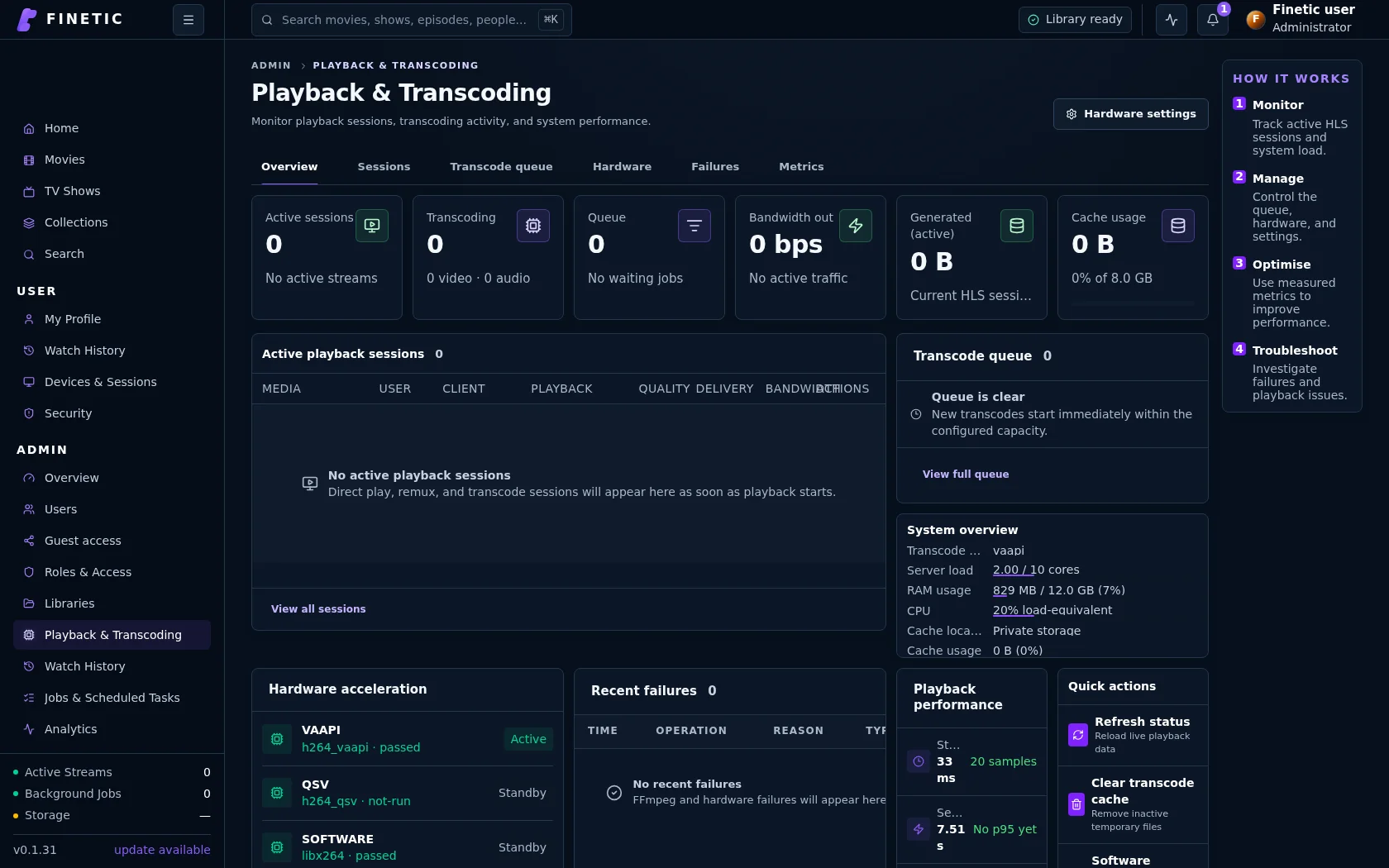
Benchmarks retain the delivery plan, source facts, queue state and failures behind each timing result.
Practical self-hosting guides
Move from the playback decision to the hardware, public route and recovery boundary behind it.
MigrationMove safely from Jellyfin
See the tested dry-run, matching, activation and per-user state transfer workflow.
Read guide PlaybackDirect Play vs remux vs transcodingUnderstand what each path changes and why files that look compatible may still need conversion.
Read guide EvidenceBenchmark playback honestlyMeasure first frame, seeks, delivery paths and failures without hiding inconvenient results.
You are here HardwareChoose media-server hardwareSize CPU, GPU, memory, storage and networking around real simultaneous workloads.
Read guide ProxmoxDeploy inside a dedicated guestUse tested Compose, persistent state, read-only media and explicit GPU delegation.
Read guide UnraidMap Finetic onto UnraidTranslate appdata, media shares, identities and GPU devices without overstating certification.
Read guide TrueNAS SCALESeparate storage from runtimePlan datasets, PostgreSQL persistence, cache and backups through the public container contract.
Read guide Remote accessVerify the complete public routeConnect DNS, HTTPS, NAT, byte ranges, HLS and WebSockets without exposing management services.
Read guide SecurityProtect a self-hosted media serverUse explicit accounts, bounded sharing, verified updates, safe diagnostics and tested recovery.
Read guideComplete 30-day evaluation
See whether Finetic earns a place in your home.
Install the compiled server with Docker Compose and evaluate every server feature. No card, automatic charge or source-repository access is required.