StorageSeparate datasets
TrueNAS SCALE deployment blueprint
Let TrueNAS protect the storage while Finetic remains replaceable.
Finetic can consume media datasets through its maintained Linux Compose contract. Exact Docker and custom-application workflows vary by TrueNAS SCALE release, so this guide separates the tested container contract from appliance-specific steps that still require release validation.
Pull the signed imageCompiled x64 or ARM64 server
CompleteStart PostgreSQLHealth-checked persistent database
Healthy03
Mount media read-onlyKeep existing libraries in place
Ready04
Start the 30-day trialOpen the graphical first-run wizard
Next- Server
- Public pre-release evaluation through Docker Compose
- Web client
- Available with the server
- Fire TV & Android
- Supervised device testing
- Paid launch
- Pricing and final terms pending
DatabasePersistent PostgreSQL
Media accessRead-only intended
CertificationRelease test pending
From source facts to a dependable system.
Each guide connects the visible outcome to the playback, infrastructure and recovery decisions underneath it.
Separate media and application datasets
Keep Movies and TV Shows in their existing datasets and expose them read-only. Create distinct persistent locations for PostgreSQL, configuration, artwork, cache and backups so snapshots and retention can reflect their different durability requirements.
Respect dataset permissions
The Finetic runtime identity needs traversal and read access to media plus write access to its own state. Apply ACL or POSIX permissions at the dataset boundary and verify them from the running container. Avoid broad world-writable permissions as a shortcut.
Keep PostgreSQL on suitable local storage
The maintained stack pins PostgreSQL 15 and starts Finetic only after the database becomes healthy. Store its data on durable low-latency application storage, not a read-only media mount. A ZFS snapshot complements but does not replace a tested application-aware database backup.
Treat GPU access as release-specific
Hardware device exposure depends on the TrueNAS release, driver and application mechanism. Once the device is visible inside the Finetic container, use observed session evidence to confirm decode, encode and tone mapping rather than assuming passthrough guarantees a valid media path.
Current verification boundary
Finetic’s images, Compose dependencies, persistent-volume recovery and read-only media model have been tested on Linux Docker. The current guide does not claim a completed end-to-end test of the TrueNAS SCALE management interface, catalogue or every supported release.
Product evidence
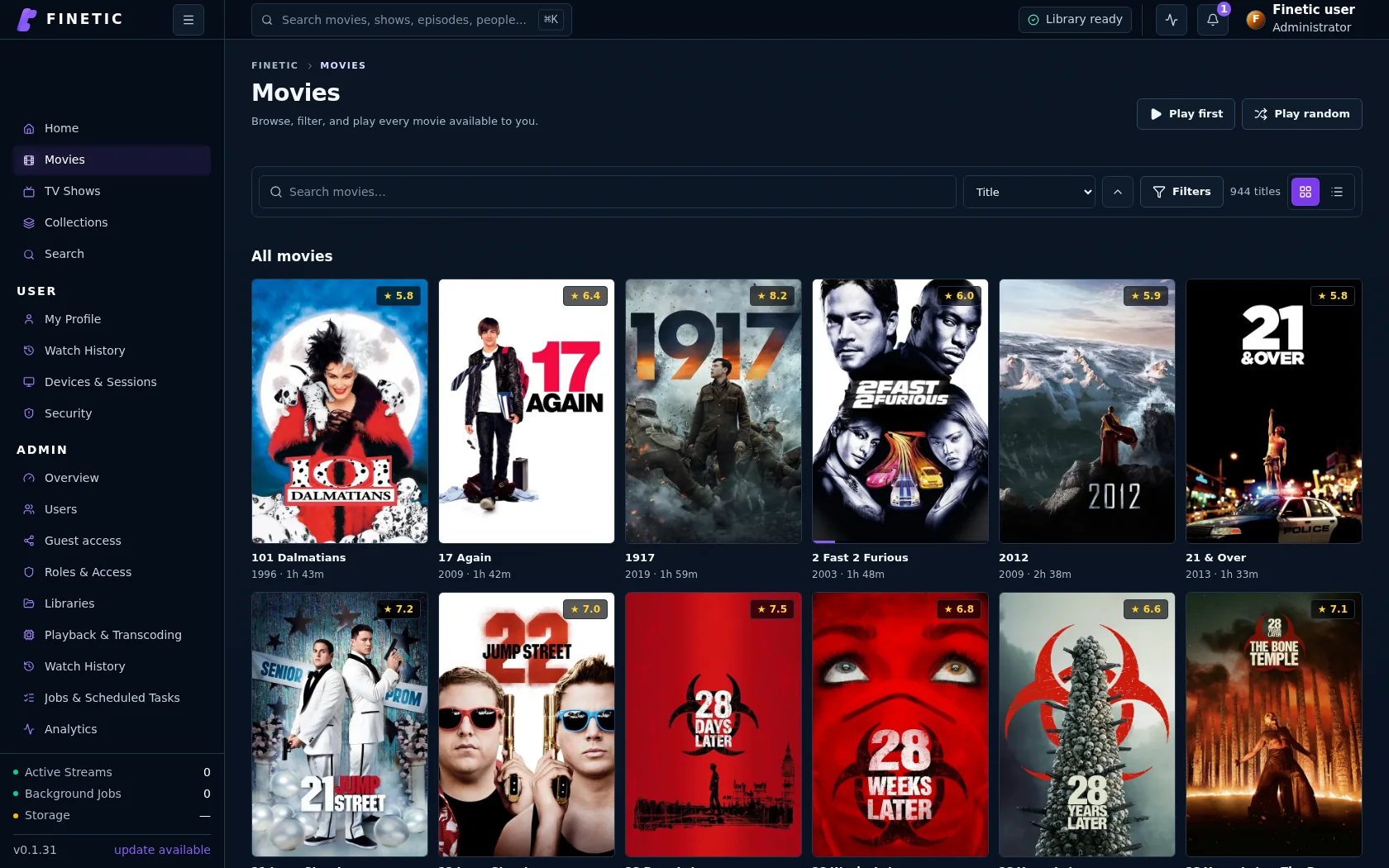
Storage and application state stay separate.
Media datasets, PostgreSQL, artwork, cache and backups receive deliberately different persistence boundaries.
Practical self-hosting guides
Move from the playback decision to the hardware, public route and recovery boundary behind it.
MigrationMove safely from Jellyfin
See the tested dry-run, matching, activation and per-user state transfer workflow.
Read guide PlaybackDirect Play vs remux vs transcodingUnderstand what each path changes and why files that look compatible may still need conversion.
Read guide EvidenceBenchmark playback honestlyMeasure first frame, seeks, delivery paths and failures without hiding inconvenient results.
Read guide HardwareChoose media-server hardwareSize CPU, GPU, memory, storage and networking around real simultaneous workloads.
Read guide ProxmoxDeploy inside a dedicated guestUse tested Compose, persistent state, read-only media and explicit GPU delegation.
Read guide UnraidMap Finetic onto UnraidTranslate appdata, media shares, identities and GPU devices without overstating certification.
Read guide TrueNAS SCALESeparate storage from runtimePlan datasets, PostgreSQL persistence, cache and backups through the public container contract.
You are here Remote accessVerify the complete public routeConnect DNS, HTTPS, NAT, byte ranges, HLS and WebSockets without exposing management services.
Read guide SecurityProtect a self-hosted media serverUse explicit accounts, bounded sharing, verified updates, safe diagnostics and tested recovery.
Read guideComplete 30-day evaluation
See whether Finetic earns a place in your home.
Install the compiled server with Docker Compose and evaluate every server feature. No card, automatic charge or source-repository access is required.