Current version0.2.15 public preview
Finetic for Windows v0.2.15
Your Finetic library, in a dedicated Windows app.
Download the x64 Windows public preview from the official Finetic release repository and connect it to the Finetic Media Server you control.
- Server
- Free, unrestricted public preview through Docker Compose
- Web client
- Available with the server
- Windows
- v0.2.15 public preview · direct download
- Fire TV
- Live on Amazon Appstore
- Android
- Supervised device testing
- Xbox
- Native client nearing completion · not yet released
- Commercial model
- No paid plan currently offered
InstallerWindows x64 · 38.7 MB
IntegritySHA-256 published
Code signingUnsigned preview build
Designed as a system, experienced as a product.
The technical depth remains available without turning the normal viewing experience into a server dashboard.
Download the official public-preview installer
The official Finetic_0.2.15_x64-setup.exe installer is 38,744,140 bytes and is distributed through GitHub Releases so the binary does not consume Finetic website hosting bandwidth. The stable Young Studio download address redirects directly to that immutable versioned asset.
- Version 0.2.15 for x64 Windows
- Official binary-only release repository
- SHA-256 checksum published beside the installer
- Connects to a Finetic server selected and authorised by you
Verify the installer before running it
The expected SHA-256 value is 71961c7c927c73f845c687d54d16797b1016609fd6a3119ef2342ce475c5ecdd. Compare the complete value with PowerShell Get-FileHash before opening the installer.
The current installer is unsigned
Windows may show an Unknown publisher or Microsoft Defender SmartScreen warning because this public-preview installer does not currently carry a paid public code-signing certificate. Do not disable Microsoft Defender. Download only from youngstudio.uk or the official 360john360/finetic-windows-releases repository, then verify the checksum.
The client does not include a media catalogue
Finetic for Windows connects to a Finetic Media Server selected and authorised by the user. It does not include films, television programmes, channels, torrents, download sources or access to a third-party streaming catalogue.
Product evidence
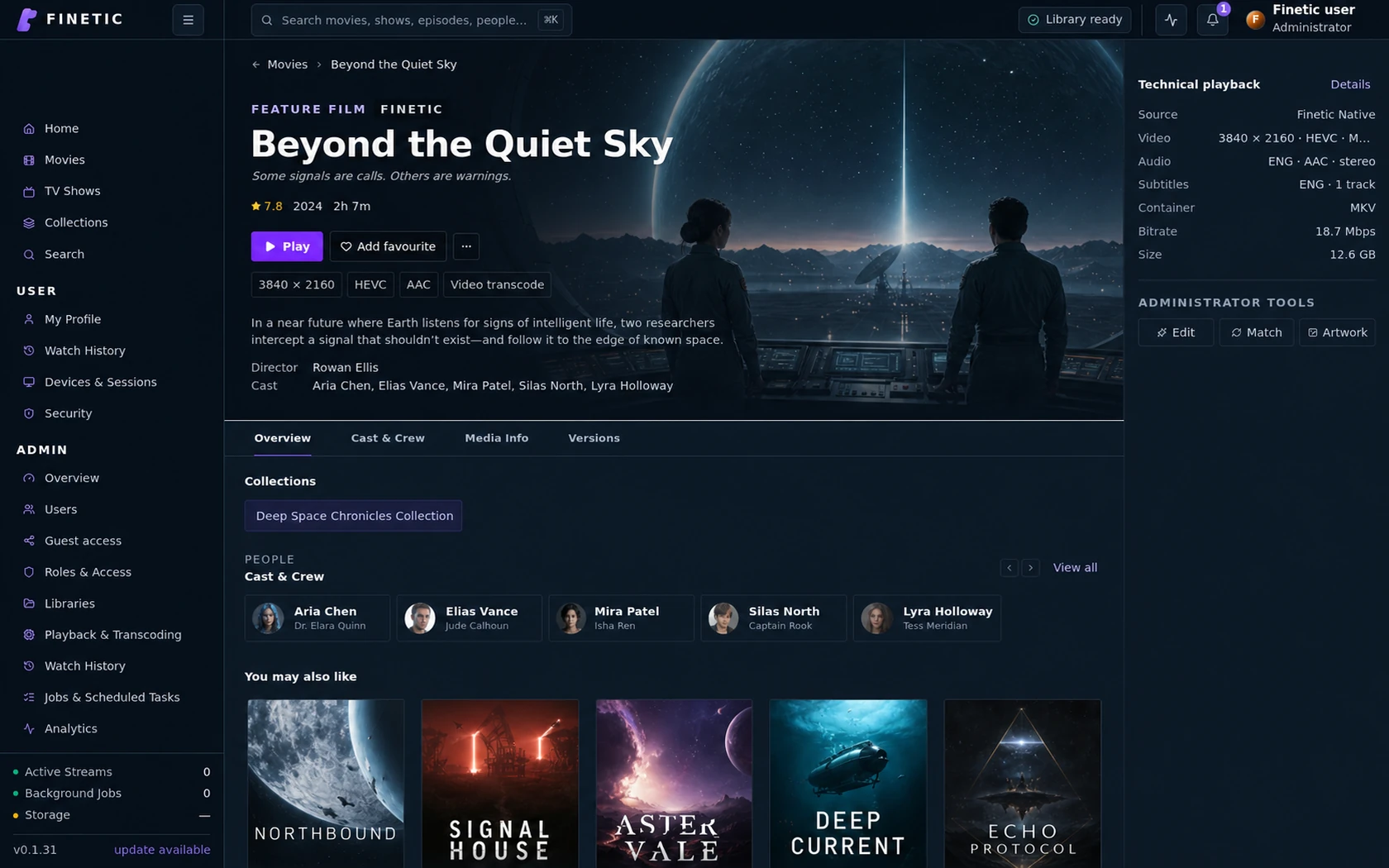
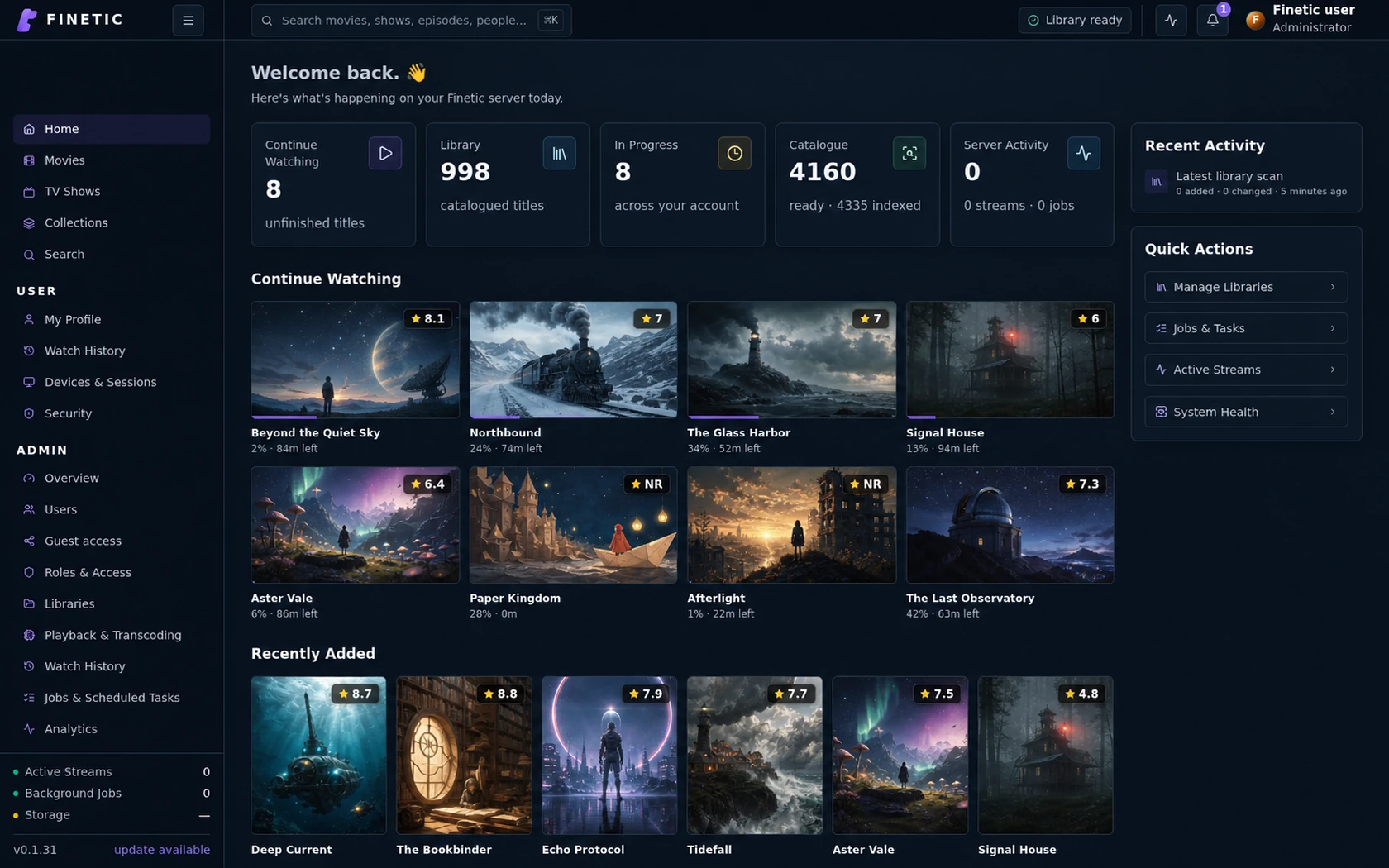
Your Finetic library in a dedicated Windows app.
The Windows public preview connects to the Finetic server you choose while keeping catalogue, accounts, progress and playback authority on that server.
Windows public preview
Download the verified x64 installer.
Version 0.2.15 is distributed from the official Finetic GitHub release repository. The installer is currently unsigned, so Windows may show an unknown-publisher or SmartScreen warning. Verify the published SHA-256 value and never disable Microsoft Defender.